











32d 1h
VS Codex integration with zztake off
VS Codex integration with zztake off please consider it

Shawn M 32d 1h
Are you looking to use VS to live edit ZZ??
I use VS for all of my coding in dev mode.
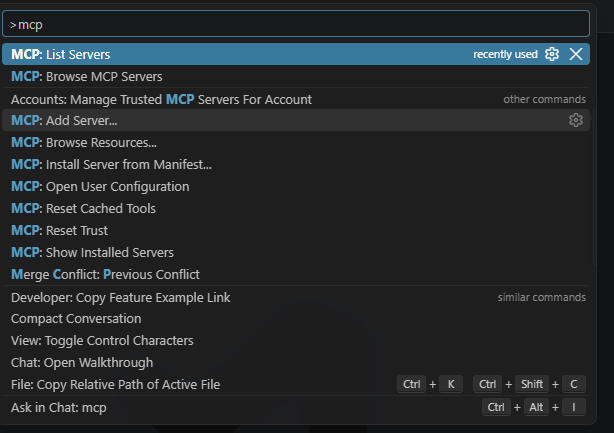
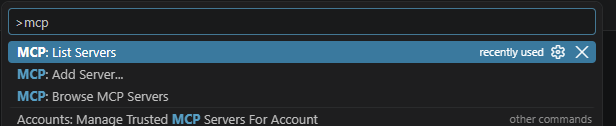
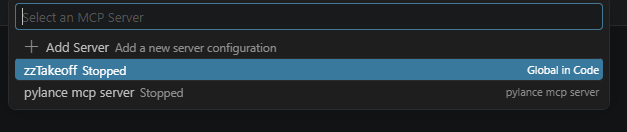
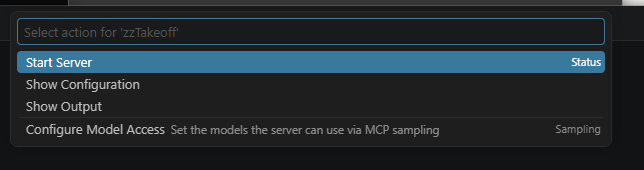
Shawn M 32d 1h
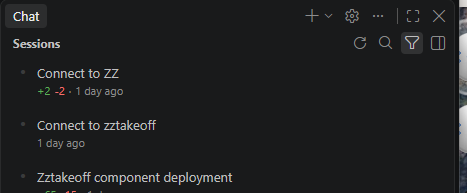
you can install skill files as well, when you open a chat window you can click on the gear
and when the popup opens click on skills.
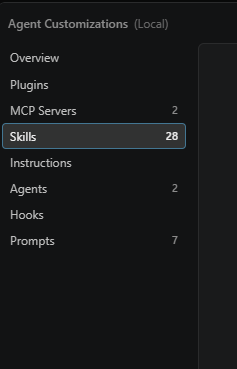
@Todd shared with me .Skill files. I Had to change them to .TXT and ask my local Copilot to then convert the txt to a Skill.md.
I get it if this is ALOT of info. Connect with me and I will help you as much as I can.
🤯1Shawn M 30d 22h
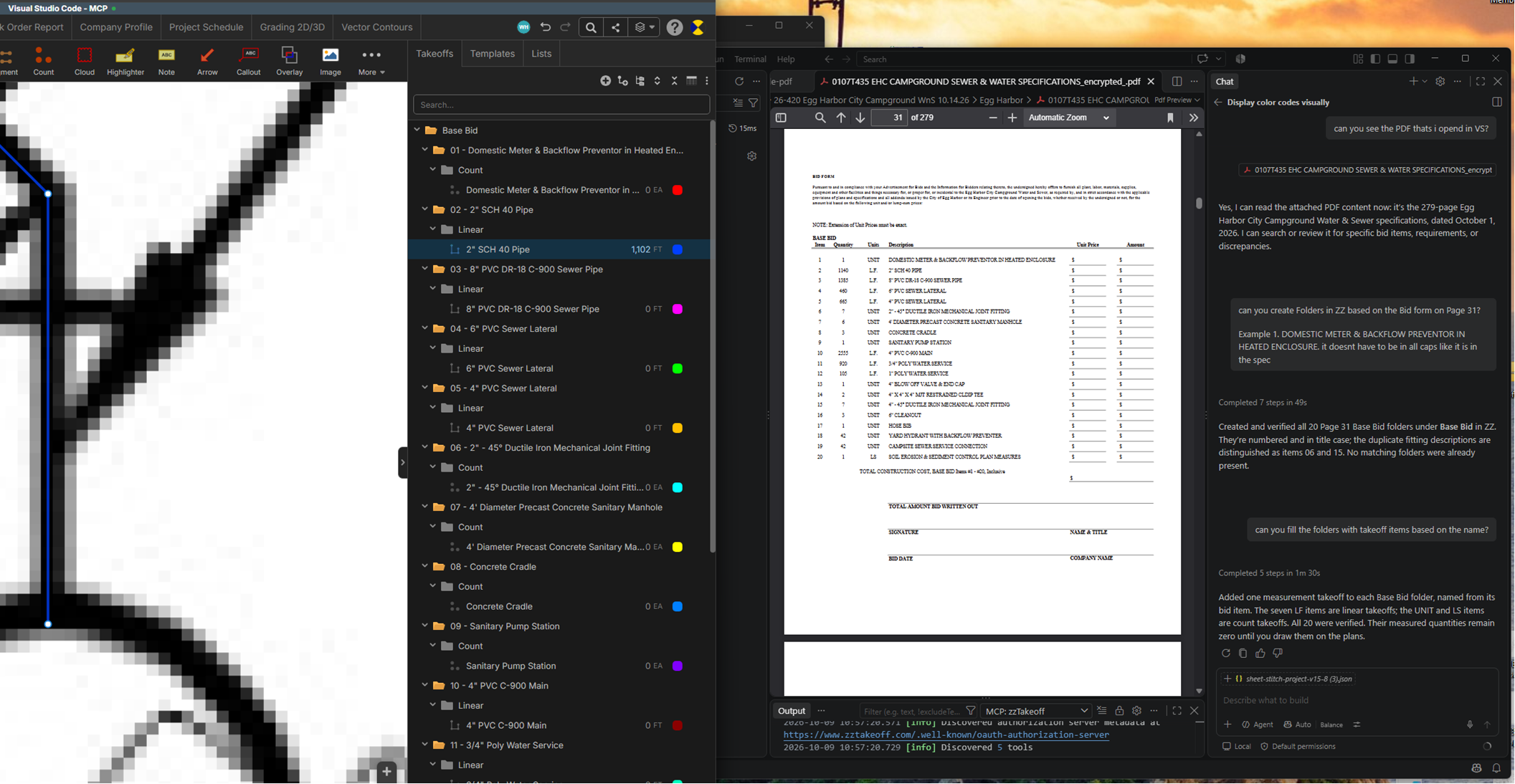
Edit: When you click start server, go into the chat and ask the AI to connect to ZZ. Then you will get the alert from zz to allow the connection.

Jeffery Osborn 27d 3h
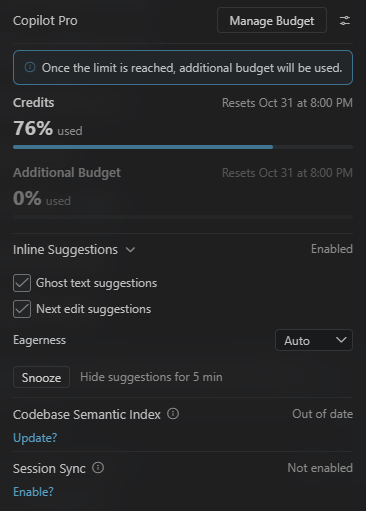
Does this use your AI usage?
You must be logged in to post replies. If you don't have an account you can signup here.