










 Feature Requests
Copy / Paste
Not sure if this is a bug or what can be done, but I tried the Cntrl-c, Cntrl-V, to move takeoff from layer to another, the takeoff did not land where it was shown on the sheet orignially:
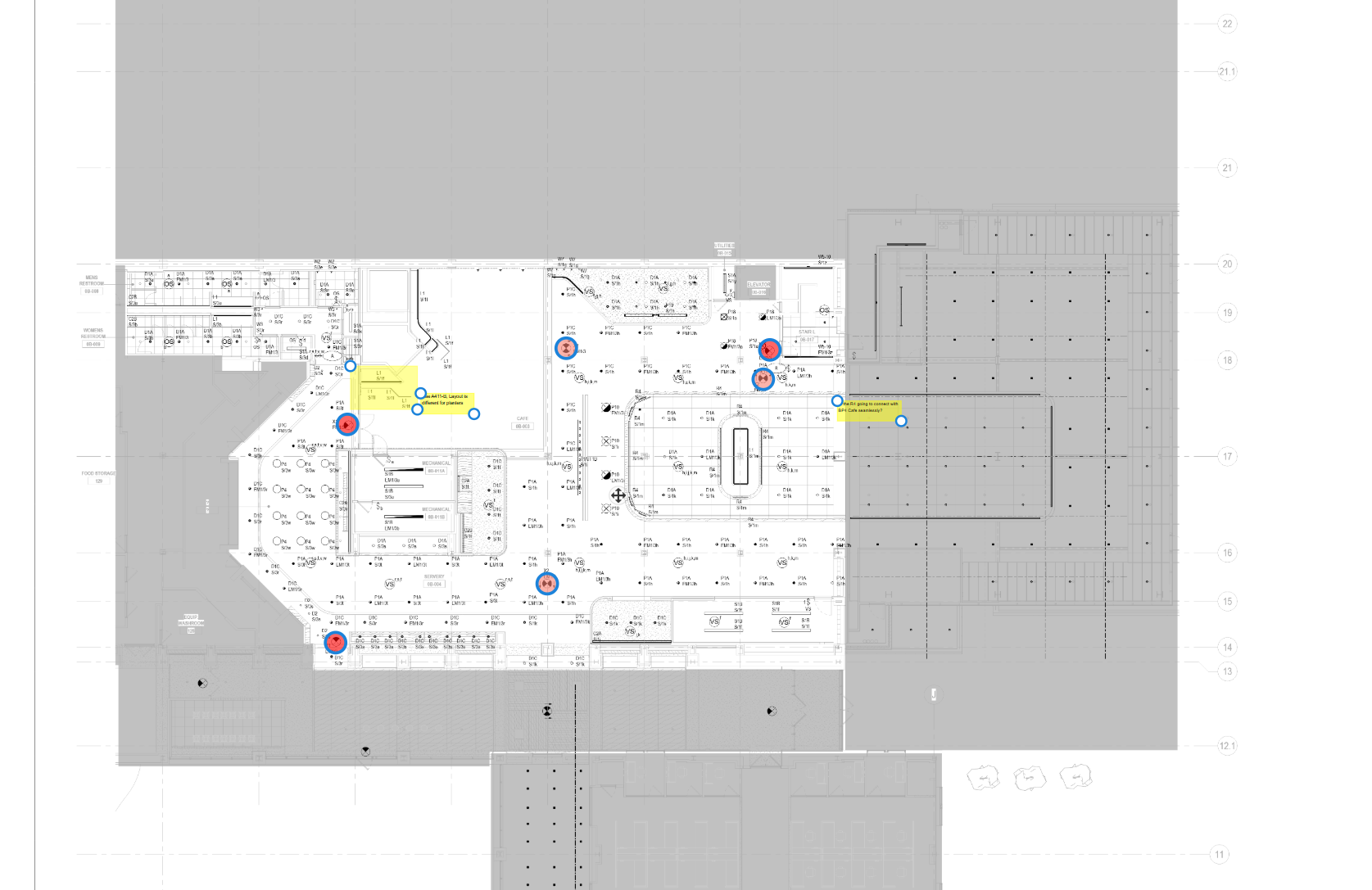
I did contrl-c, then changed layers, then control-V
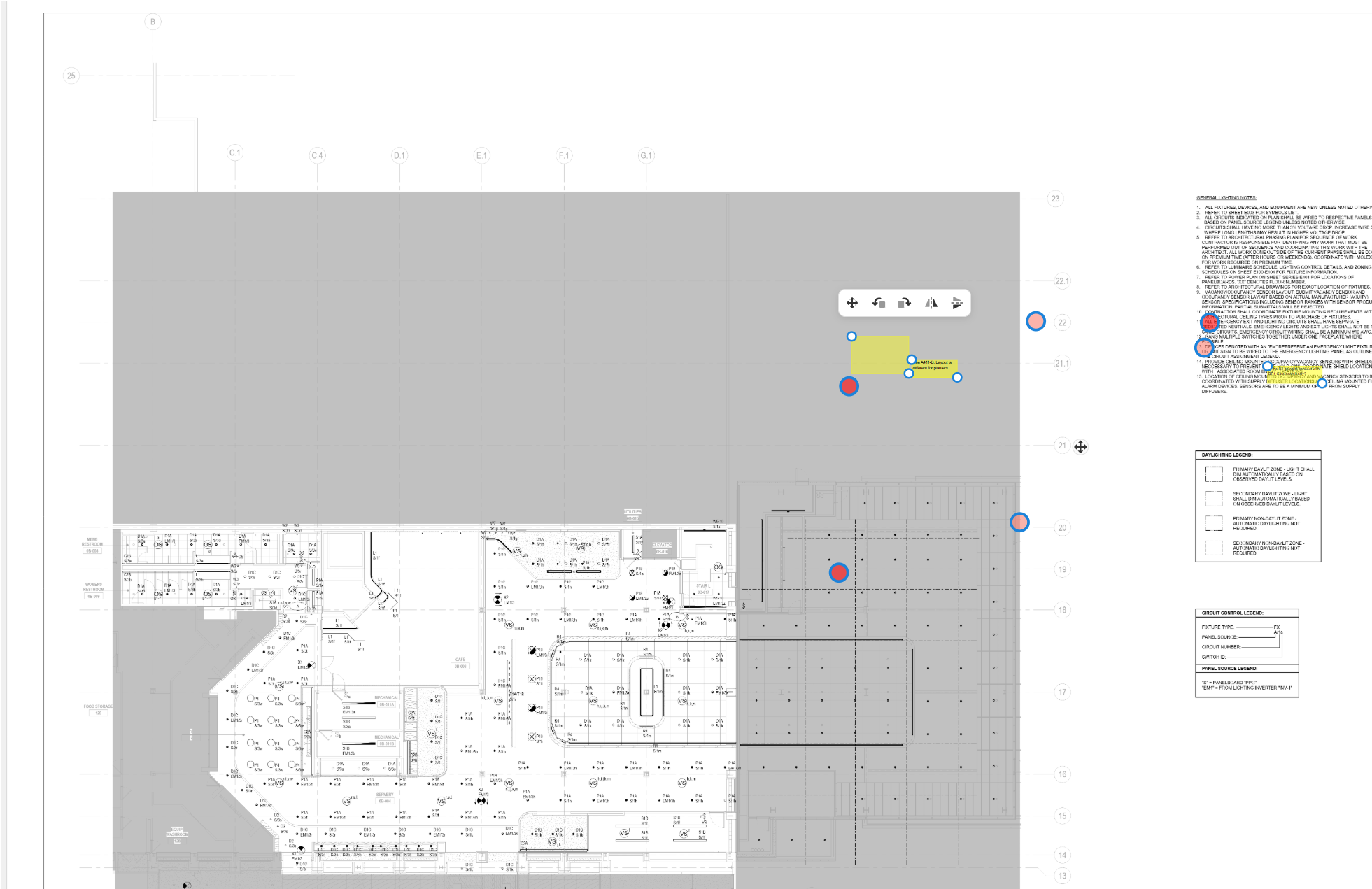
Could there be an option to copy or move to another layer within the right click menu?

When you paste, if you make sure your mouse is off the page (over the sidebars or the toolbar), it should paste the takeoff in the same spot you copied from. Otherwise, if you have your mouse on the page, it will paste at your mouse cursor.
Regarding the move/copy to layer, I'll relay that to the team. 🙂
Here is a post with that feature request: Layers change
👍1%22%2F%3E%3Ctext%20x%3D%2232%22%20y%3D%2233%22%20text-anchor%3D%22middle%22%20dominant-baseline%3D%22central%22%20font-family%3D%22Arial%2C%20sans-serif%22%20font-size%3D%2226%22%20font-weight%3D%22600%22%20fill%3D%22%23fff%22%3EJO%3C%2Ftext%3E%3C%2Fsvg%3E "Jeffery Osborn")
Ok that worked, also whats nice Is that I duplicated the default layer, and found that it copied all the takeoff to the new duplicated layer, I like that option. But now I cannot delete layers that I created?
It appears you have to delete takeoff from the layer before you can delete, it does give a warning that this will delete the data, so can it be fixed if I delete the layer it will delete even if there is take off?
This also duplicated the overlays, so if I duplicate the default layer, it will copy all of the takeoff, but then it duplicates the overlays, can that part be fixed and not duplicate overlays?
I'll relay this information to the team. It's more of a safety feature to not allow layer deletion with takeoff data for now, so users don't accidentally wipe out their takeoff data. We'll see what we can do about that.
I'll also mention the overlays. Right now, overlays only display on 1 layer, but we are planning to fix that so they show up on all layers & in this case, don't duplicate when you duplicate the layer.
i like that it copies the takeoff, but its duplicating the overlays, thats the part that I think needs to be looked at
👍1