










 Inside Track
Collecting Input: Slice Command
When you slice areas (or linears), are you most commonly needing to slice with a single line segment or with a polyline?
We can give both options but wondering which you would expect to be the default.
Slice with Single Line Segment
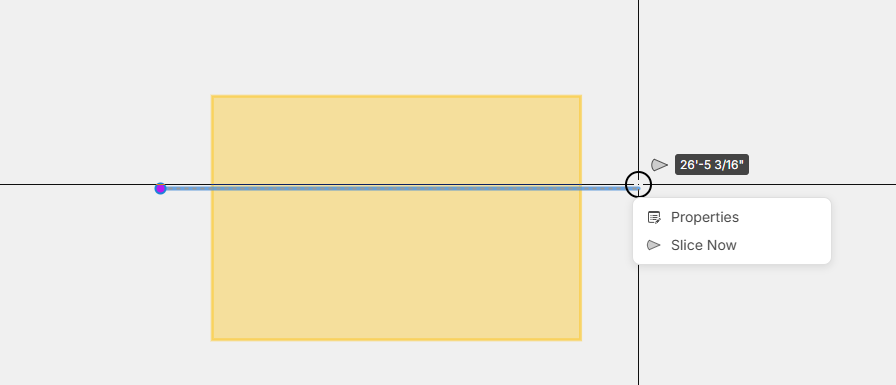
Slicing with Polyline
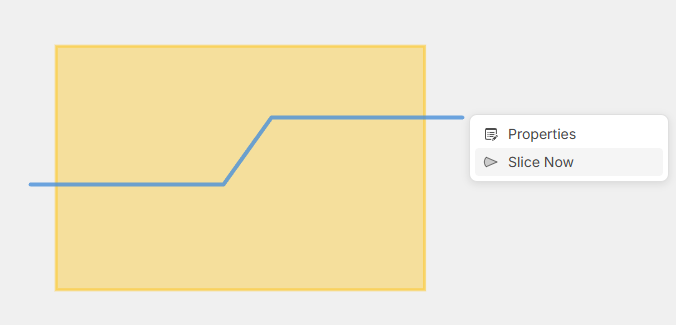


Default = Polyline
Single line = secondary option
That aligns with how every estimator measure anything with offsets.
👍3

Is the poly line a point to point scenario, while the line segment is a click and drag?
Or will double click finish the last point, even if it is the second point wanted and thus the first line segment?
👍1
@David the polyline would work very similar to a "Linear" takeoff. It would allow click & drag to do a single segment (then it finishes collecting points and slices), or if you click point to point you can do a bunch of individual points. One difference is while slicing if you press Esc, it will cancel the slice, so you have to press Enter instead or right click and choose "Slice Now".
%22%2F%3E%3Ctext%20x%3D%2232%22%20y%3D%2233%22%20text-anchor%3D%22middle%22%20dominant-baseline%3D%22central%22%20font-family%3D%22Arial%2C%20sans-serif%22%20font-size%3D%2226%22%20font-weight%3D%22600%22%20fill%3D%22%23fff%22%3EVT%3C%2Ftext%3E%3C%2Fsvg%3E "Victor Tengowski")
I'm excited for this. This was probably my first or second feature request. I vote polyline as well.
Cheers!
👍3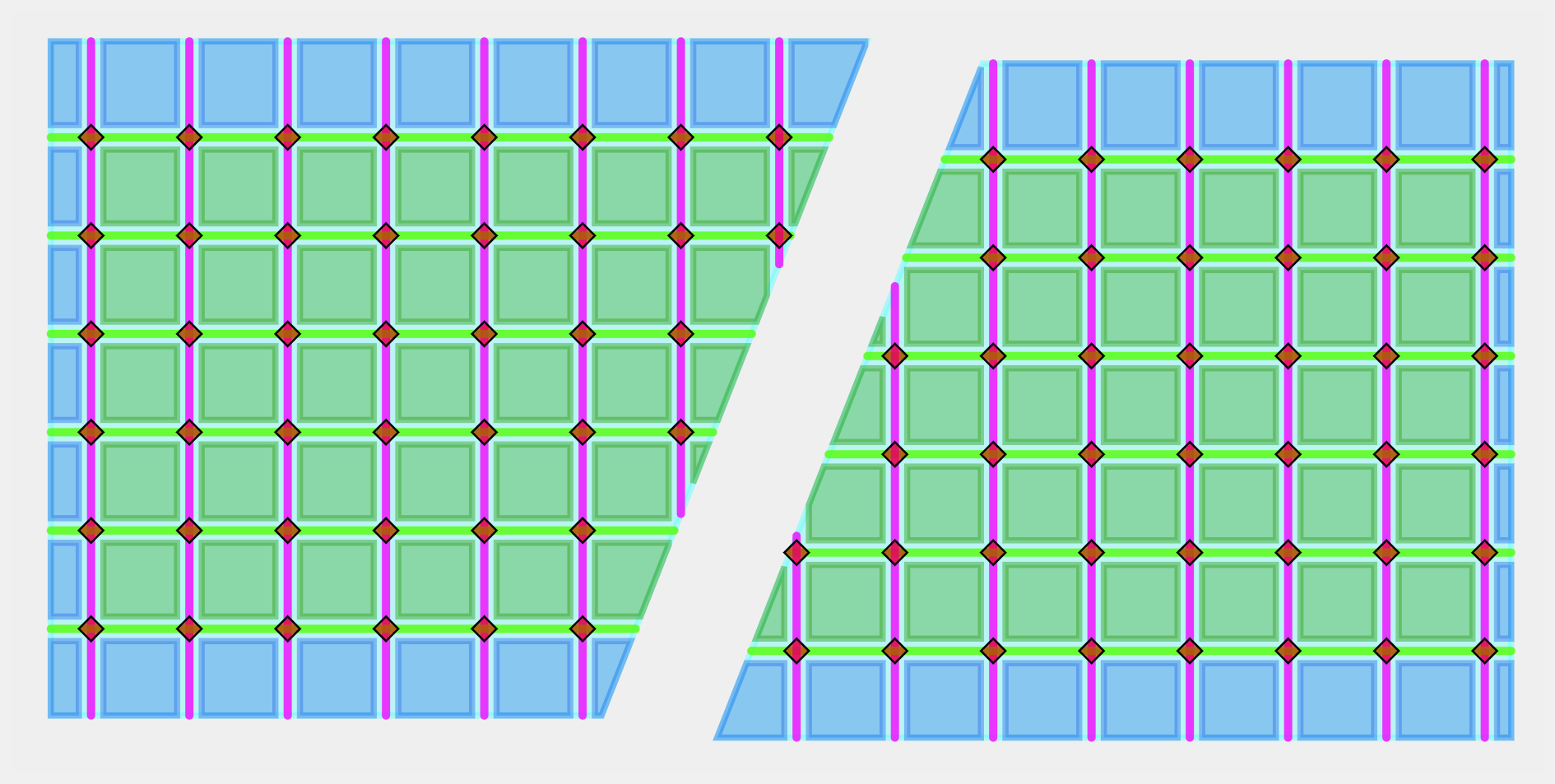

Love it! Agree with the polyline as the default too. So glad you didn't start with "auto areas" that draw boxes for us, as that is junk if you can't "slice" the area boxes. This is foreshadowing if you didn't pick up what I'm laying down.
👍3😂3