Q & A
Q & ATemplate for Count and Linear with Different Pipe & Fitting Types
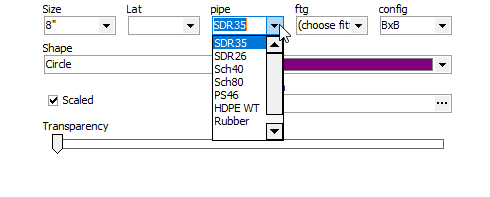
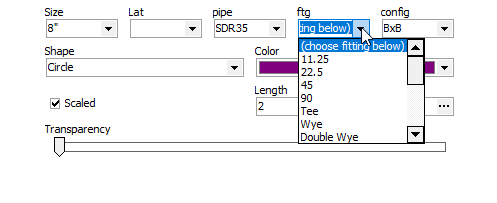
Trying to see if ZZ can accomplish what I have in PS.
Example, instead of putting every size of an item in the lists, would like to create a list with just the common items and just input the variables.
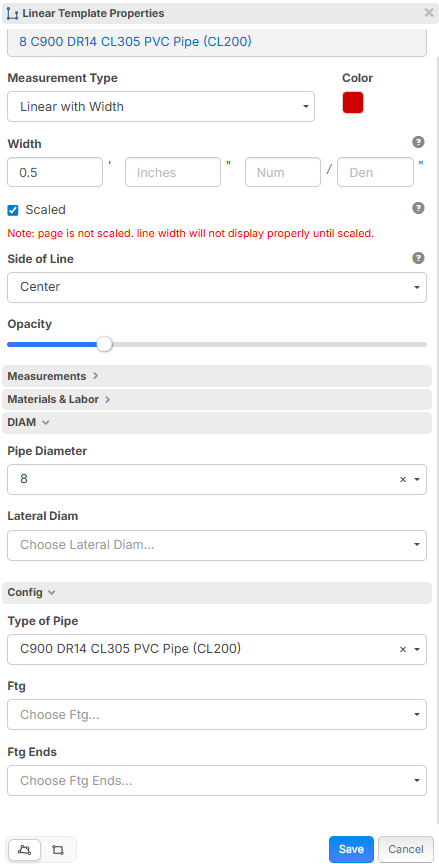
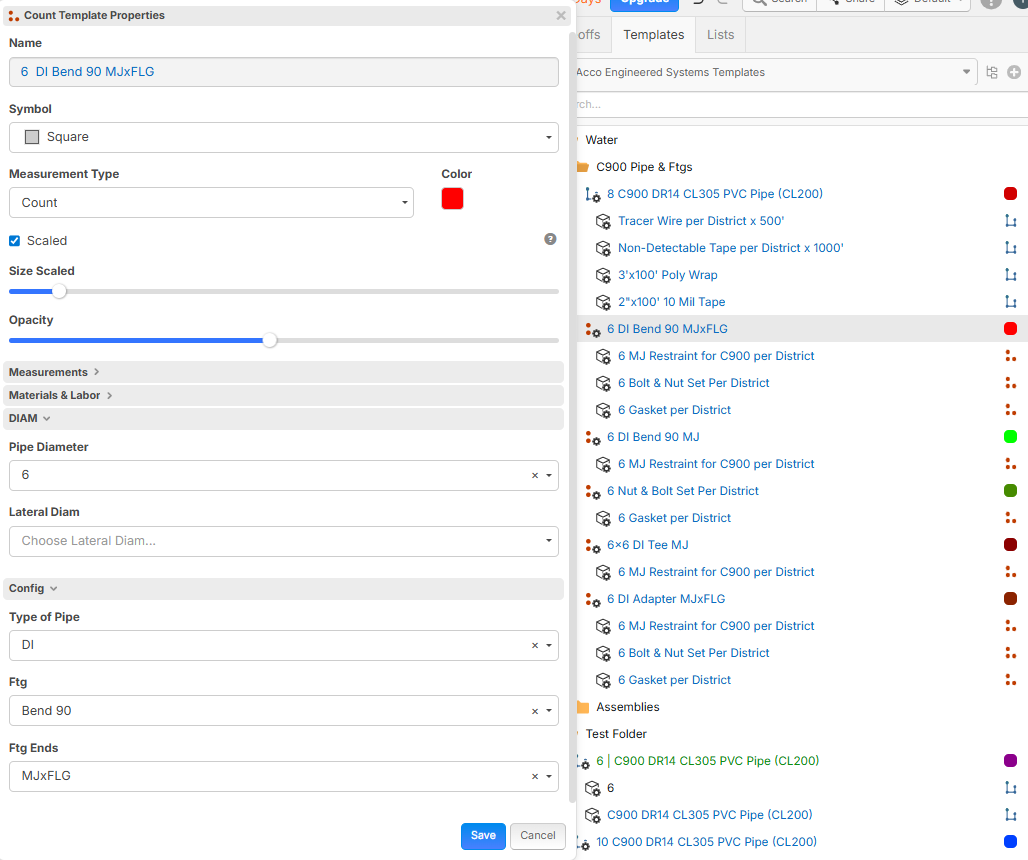
I've set up a count and listed the pipe type and the fitting type, but for the diameter of the pipe/fitting I am just figuring on manual input for now to make things easier. Also doing something similar with the linear.
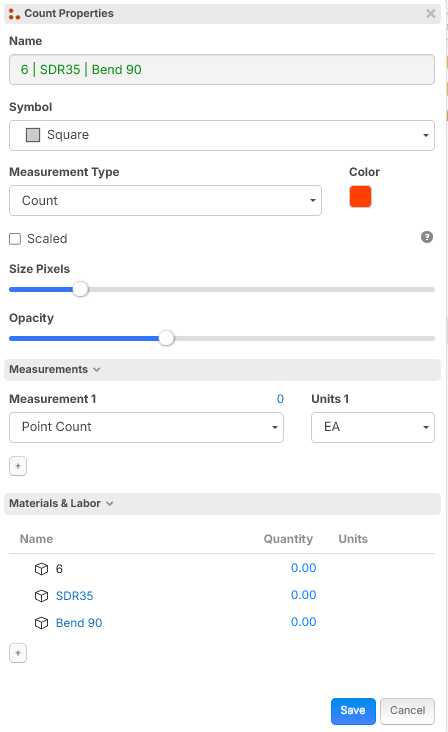
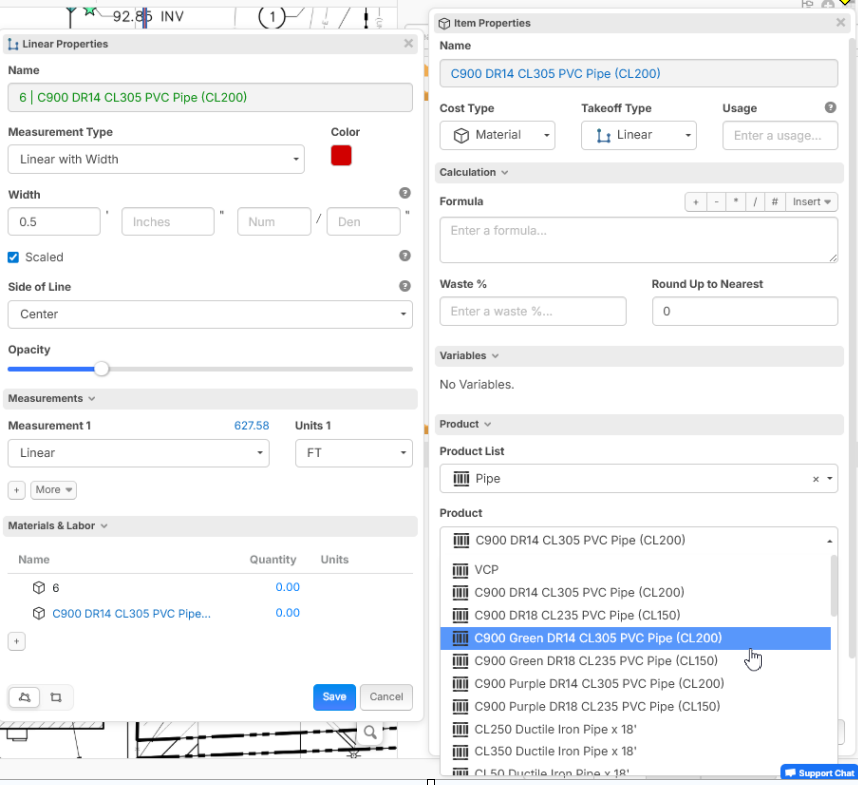
Seeing if anyone has an example template that might be more effective & efficient?

Tim,
Awesome post, a combo of what your doing with a little bit of what I'm doing for project specific WBS's and we might win at life someday. Here is a 3min video that goes over my process pipe workflow, note this is my first attempt and know the fture template I make in 3 months from now will be way better. LINK
👍3
I’m also trying to replicate something I built in PS.. using access lists, This example is specifically for pipe insulation.
In PS, I could select the insulation size and thickness from a single list, and that row would populate everything tied to it. pipe insulation, fittings, jackets, accessories, etc. One selection controlled the entire assembly.
In ZZ, I’ve built all products with their own lists, but they don’t communicate with each other. So if I change the insulation size or thickness, I have to update each related item separately. Has anyone found a way in zz to do something similar?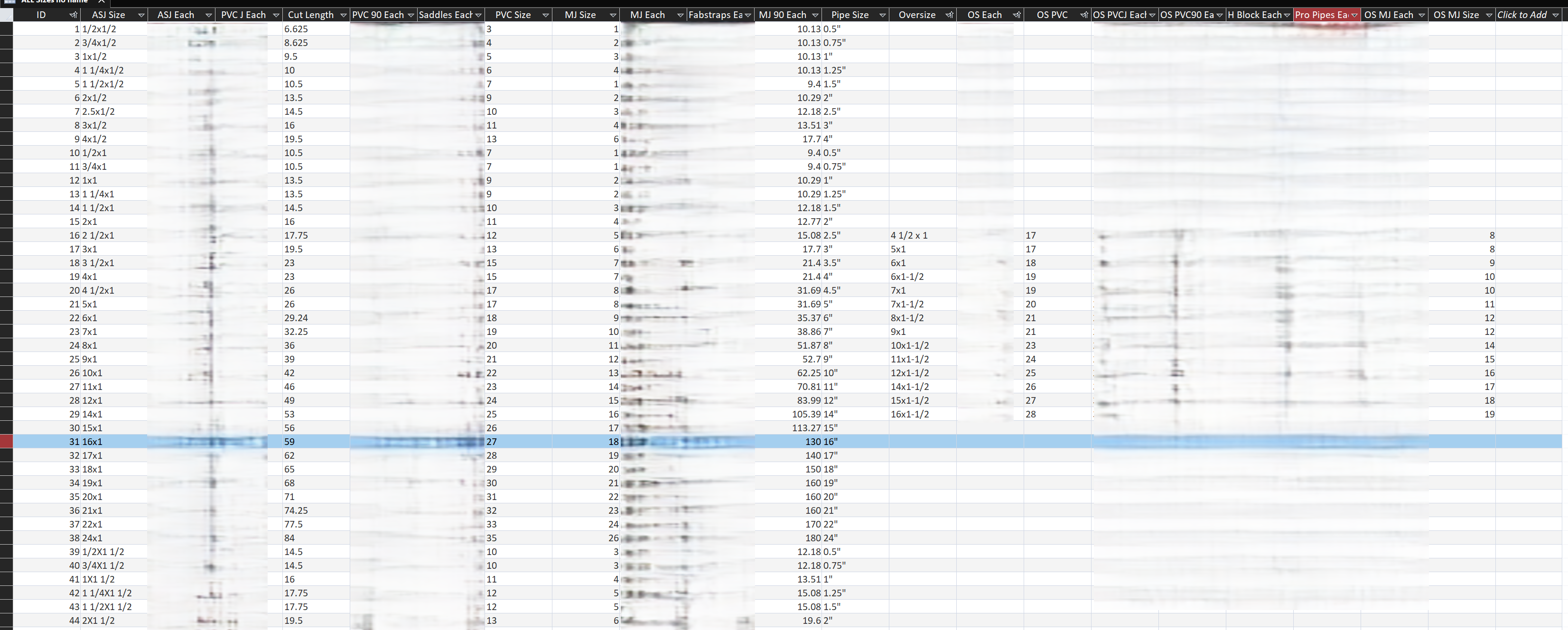

Thanks Kyle Bonde,
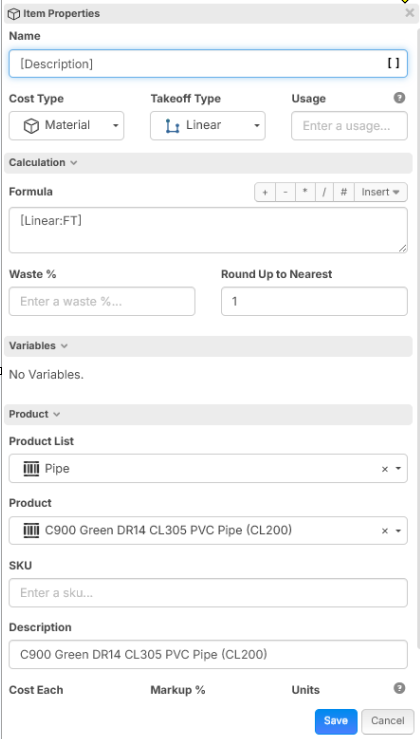
In regards to the naming for the flow up, product in brackets doesn't work, but description does. Just started playing with this yesterday and I'll have to see how I can incorporate some of your ideas.
@Tim,
thank you for the tip.......I'm still trying to figure out how to use the product list so TBD for us. Watch this boot camp with Todd on Inheritance, I picked up a ton from it!

Seeing your custom properties gave me an idea, also maybe help with your child items. 1) Was able to eliminate the need for separate items which would roll up to name the takeoff item properly with the use of the custom properties. 2) When I change the Diameter on the linear takeoff it also changes the child item size if you put a formula in the variable.

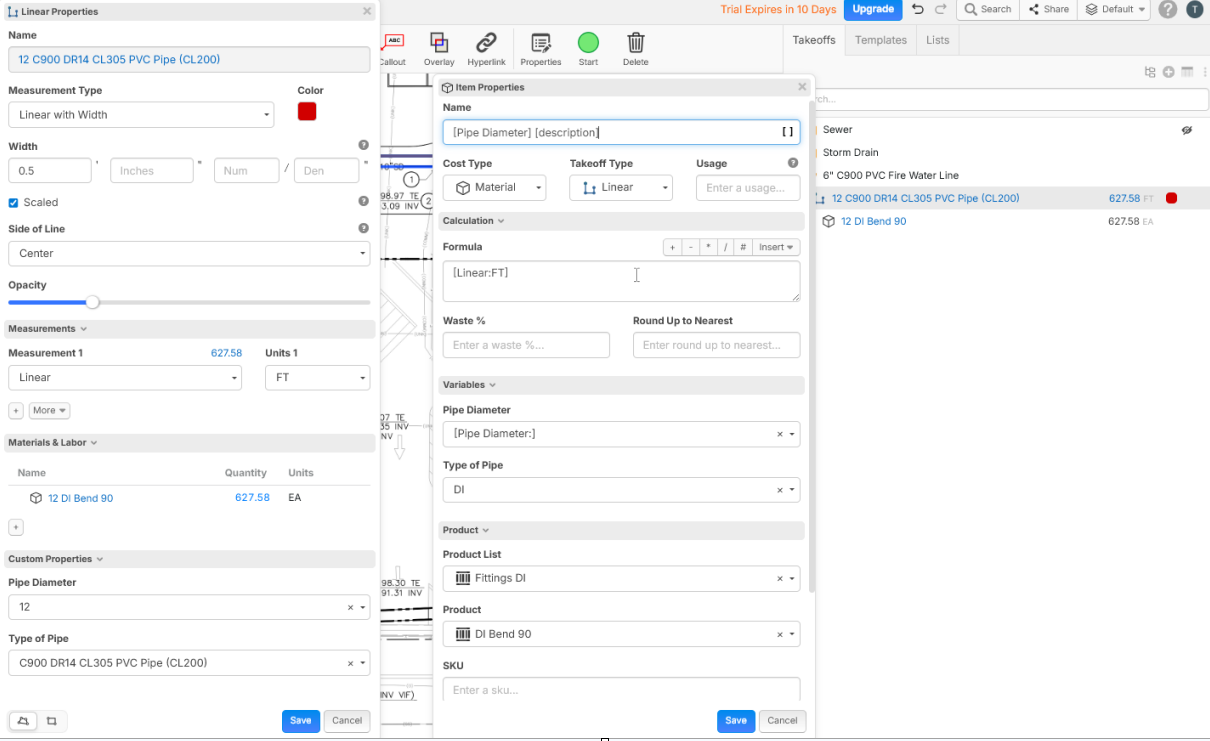
I have also had some success when wanting naming conventions to change when changing custom properties is to use auto name at takeoff level and create a zero cost item in other category and use text with tags on the item and tag your custom properties in the name of the item
👍1
@Tim you could use a custom property with a drop down of values instead of a list. This would let you manage it in one place. Does that work for you?