










 Q & A
Q & A%22%2F%3E%3Ctext%20x%3D%2232%22%20y%3D%2233%22%20text-anchor%3D%22middle%22%20dominant-baseline%3D%22central%22%20font-family%3D%22Arial%2C%20sans-serif%22%20font-size%3D%2226%22%20font-weight%3D%22600%22%20fill%3D%22%23fff%22%3EJD%3C%2Ftext%3E%3C%2Fsvg%3E "Jason DiCicco")
Split Screen
Would be helpful to use split screen for looking at details called out on several other pages.

Hi Jason, you can have a couple of tabs open in zzTakeoff and spread them out on your screens. Right click on the page tab and
Open in new tab
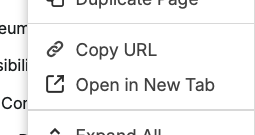
Also try dragging the legend plans into your takeoff sheet. Left click and drag and the resize and move the new sheet. That may help as well.
Hope this helps
👍1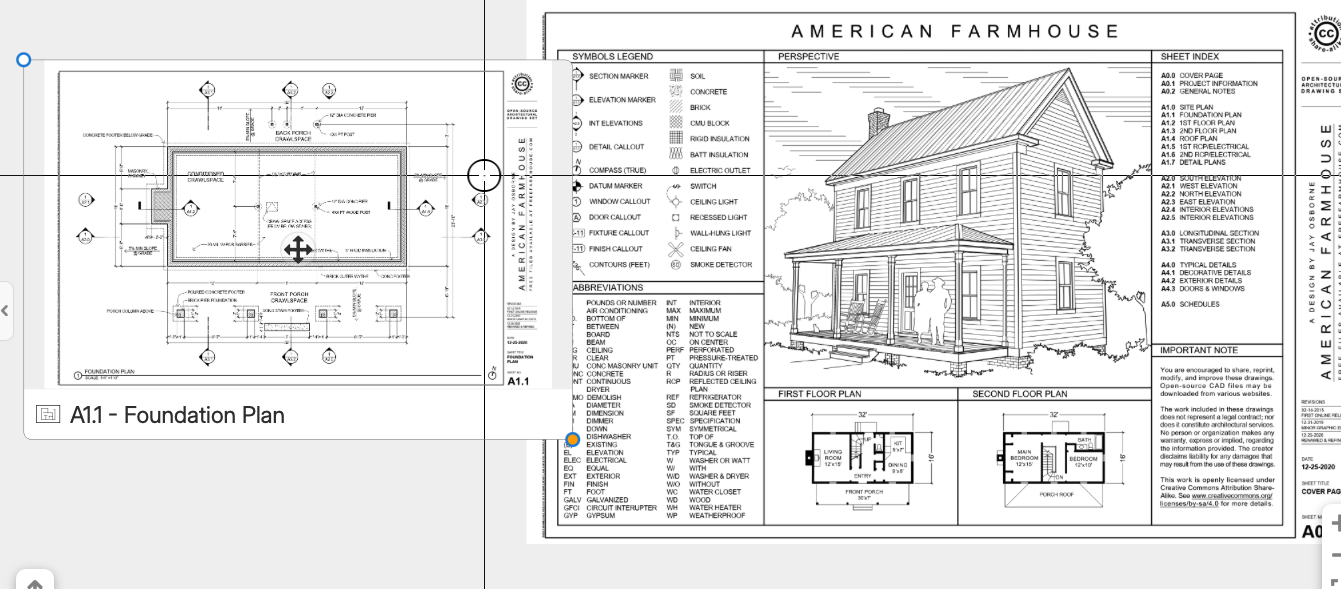
%22%2F%3E%3Ctext%20x%3D%2232%22%20y%3D%2233%22%20text-anchor%3D%22middle%22%20dominant-baseline%3D%22central%22%20font-family%3D%22Arial%2C%20sans-serif%22%20font-size%3D%2226%22%20font-weight%3D%22600%22%20fill%3D%22%23fff%22%3EUS%3C%2Ftext%3E%3C%2Fsvg%3E "Ulises Salazar")
Jason - Try Google plit view - https://blog.google/products-and-platforms/products/chrome/chrome-productivity-improvements/
👍2
Thanks guys. You also have an option to open a "Preview Window" for any bookmark or page. This window can be dragged or resized. You can zoom/pan within that window separate from your main window:
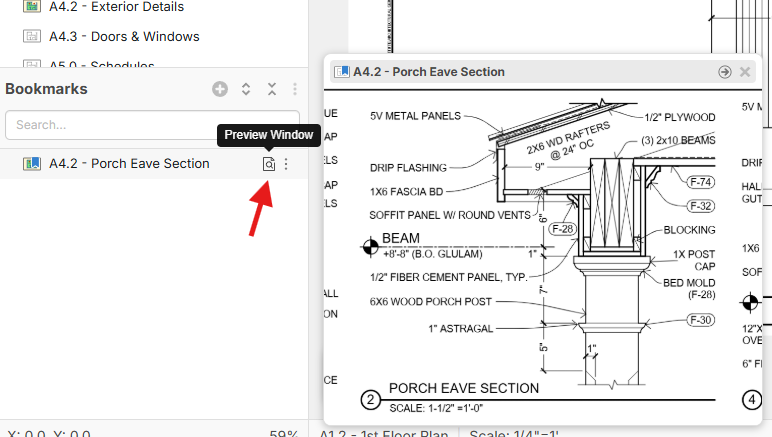

@Jason
Further to @Ulises Coment about Split view, in Chrome if you right click on the Tab and Select "Add Tab to new split view"
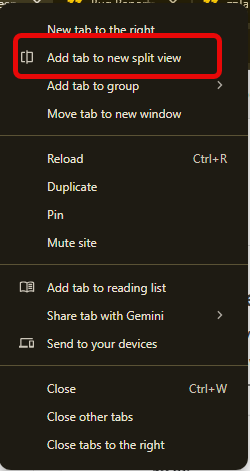

Jason, you can do multiple web tabs of zz Open at the same time, its awesome. Fun fact, you can even copy objects from your right screen then paste to your left screen from zzTakeoff, try it.
The days of having bluebeam and OST open at the same time are gone. Only need 1 tool now. THANK YOU zzTakeoff !!
🚀3%22%2F%3E%3Ctext%20x%3D%2232%22%20y%3D%2233%22%20text-anchor%3D%22middle%22%20dominant-baseline%3D%22central%22%20font-family%3D%22Arial%2C%20sans-serif%22%20font-size%3D%2226%22%20font-weight%3D%22600%22%20fill%3D%22%23fff%22%3EDJ%3C%2Ftext%3E%3C%2Fsvg%3E "Doug Jones")