










 Q & A
Q & ALabeled Count
I don't see it in the count, but I wanted to ask the question in case I have missed it.
Do we have the labeled count function here as we do in PS?
I find it helpful to use a label count function when I am trying to make sure that I have all of my laterals covered so that I can keep them straight in my Excel file. Is there a way that I could use this functionality and have the count that I have already done be labeled automatically?
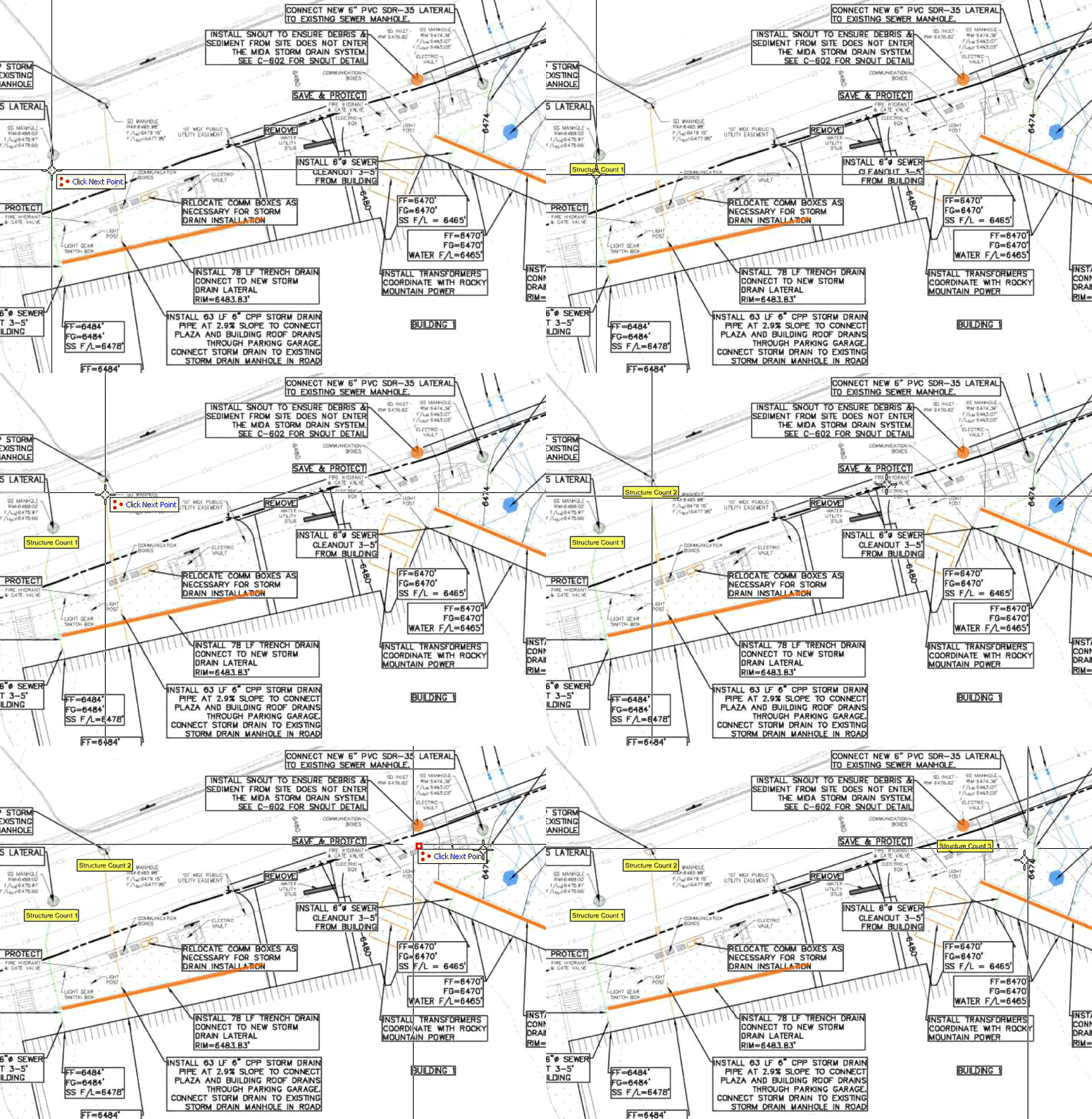
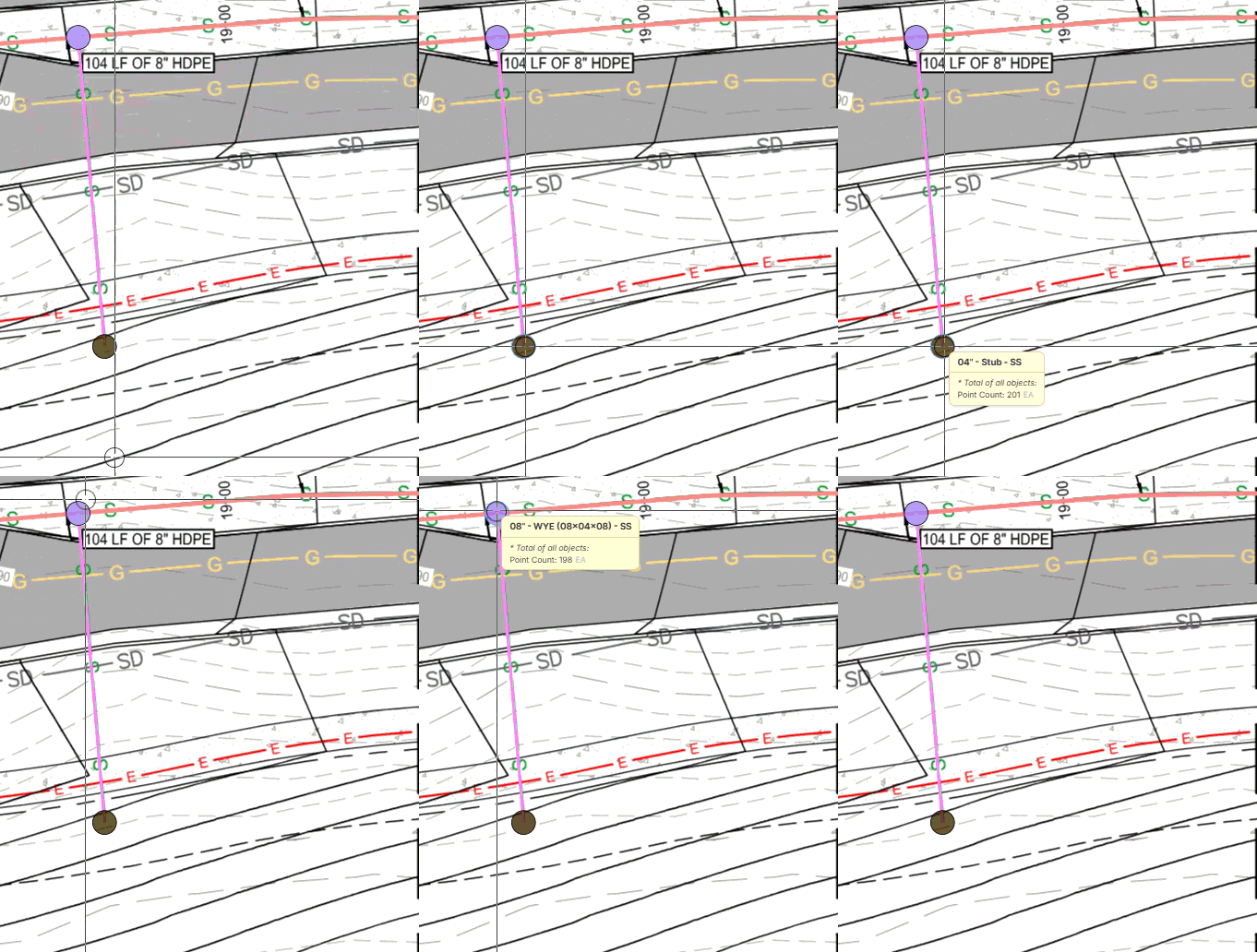

You can highlight all counts you want a label on then right click, show label. Per below.
I would recommend first, doing just one and adjusting how you want it to look & what properties you want it to have then set it as default label.
Hopefully this helps you.

Shawn, I didn't think of that, so thank you. Where I have 201 stubs, I would like to see each stub show it is count #1, followed by count #2. I am guessing this would have to come from the "takeoff" order? I was looking into doing it with a custom text formula and saying [count number], or some variation of that.
Thoughts/ideas?
👍1
@Justin, currently we are not tracking the order in which the takeoff is done (other than the "Created At" date). In theory, if the counts were numbered, a custom text formula with "[count number]" would be the correct approach. We have had similar requests in the past where users want to number their point counts, so it is something we are considering adding.
👍3