Q & A
Q & AJoist Generation
I must be doing something wrong. When i create a joist area and insert my horizontal joists, everything is fine. If I create my 2nd joist area, I can create vertical lines to represent the joists. The problem occurs if the two joist areas touch they become one area and then I can do either horizontal or vertical but not both. If the areas don't touch, they don't Merge. Is there any way to cut this merge off?
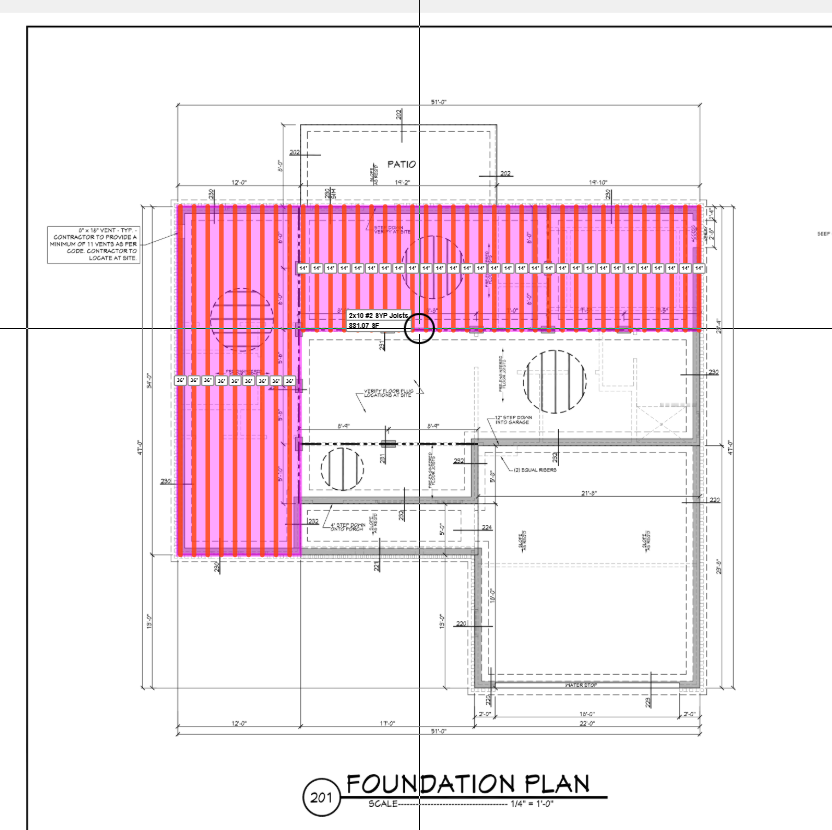
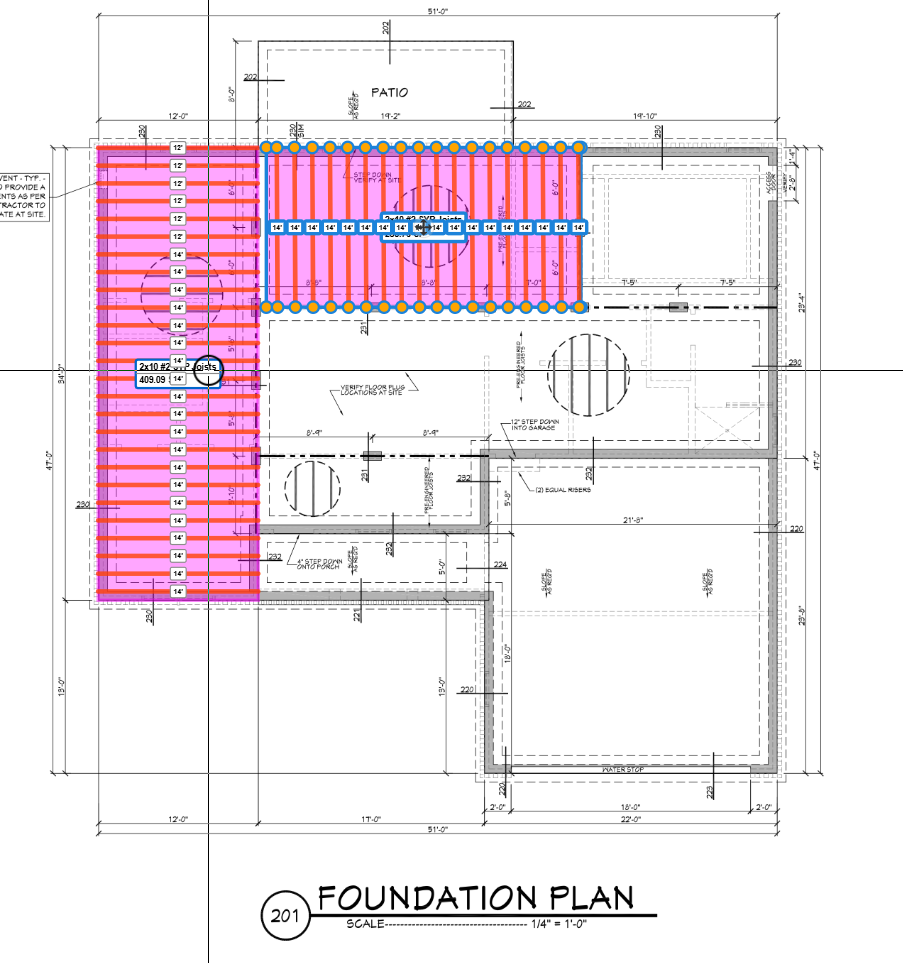

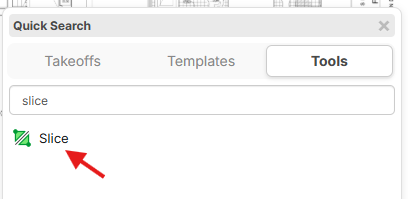
Hey Conetoe, the areas will merge if you are using box mode (or click & drag) and you have "Auto Merge" on. You can either disable this merge, or you can use the 'Slice" command to split the areas once you finish drawing.

 \
\
%22%2F%3E%3Ctext%20x%3D%2232%22%20y%3D%2233%22%20text-anchor%3D%22middle%22%20dominant-baseline%3D%22central%22%20font-family%3D%22Arial%2C%20sans-serif%22%20font-size%3D%2226%22%20font-weight%3D%22600%22%20fill%3D%22%23fff%22%3EC%3C%2Ftext%3E%3C%2Fsvg%3E "Conetoe")
thanks. This is great. i knew missed it.
I have the Slice function. I don't see auto merge toggle.
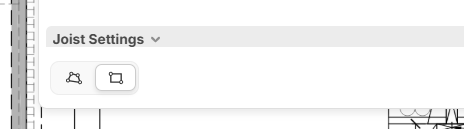
I am sure i am just looking in the wrong place.

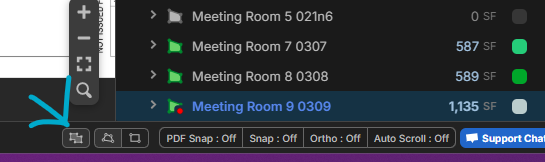
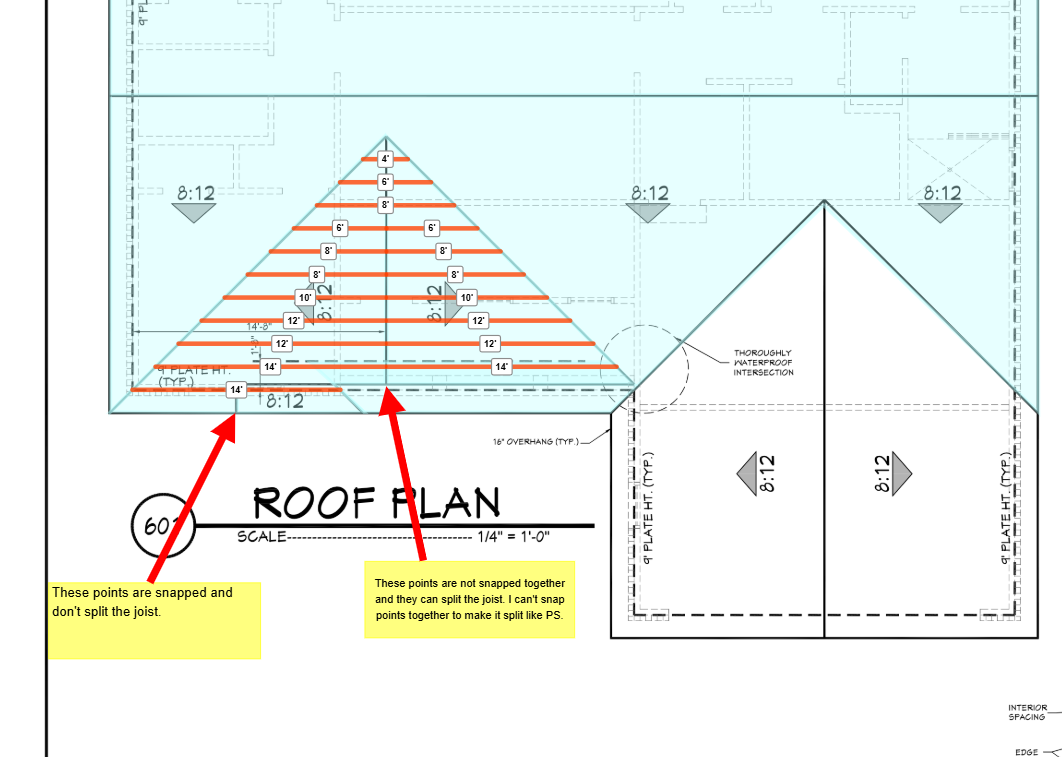
Thanks Kyle, that is perfect. For the life of me I could not find it. I kept looking for a default to toggle the auto merge feature off because the box on joists/rafters is so much faster but it seems to keep coming back on even after turned off. On a complicated Joist or Rafter situation, I would always use a line to Split the joist/rafters automatically because PS was so slow, and this method allows me to avoid the use of Slice on irregular shapes. I generally will perform the splice/Split at the ridgeline. This is a crude example but it works for demonstration. I tried a video but had way to many missteps and a few to many choice words at each misstep, but i am still loving this program.