










 Q & A
Q & AIs it possible to reference the Grid "Horizontal Line Spacing" and "Vertical Line Spacing" in text with tags?
I am trying to reference these properties on the grid properties screen to describe what grid spacing I selected.
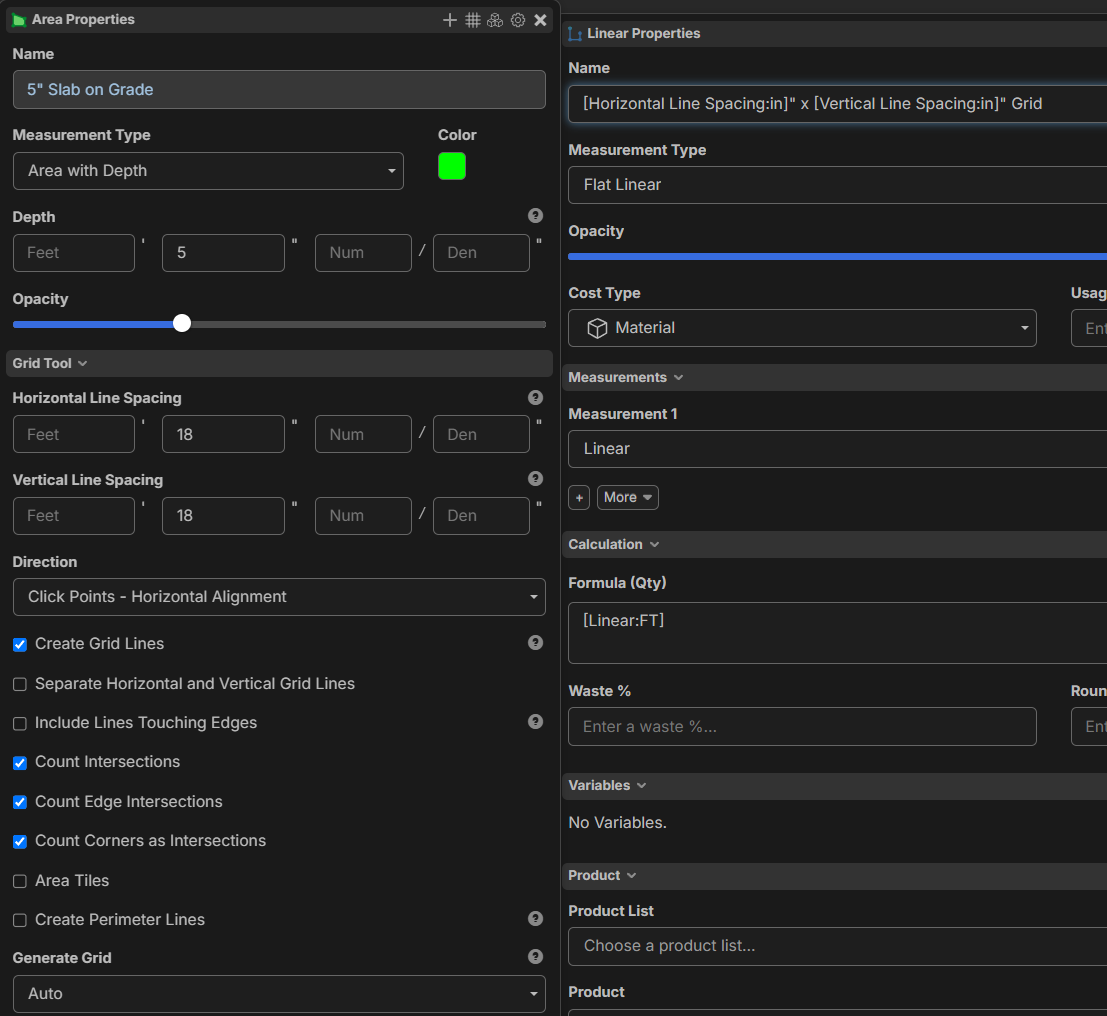

Short answer is yes, doable.

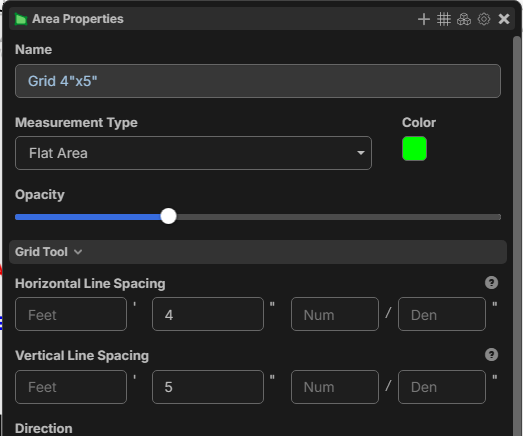
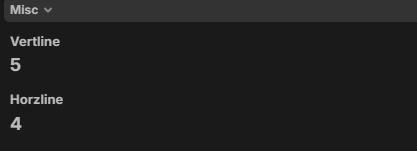
you'll need to make some custom properties and add them to your current tool.
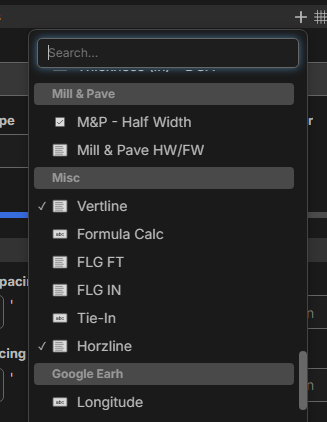
the code you are looking for would be ceil(([horizontal line spacing]%1)*12) & ceil(([vertical line spacing]%1)*12). They are not tags, they need to be a formula.
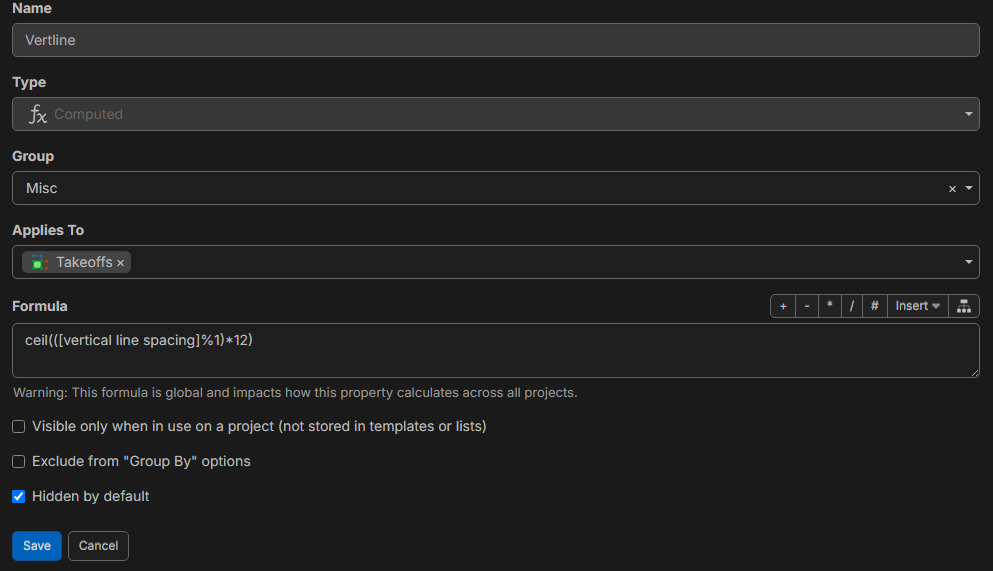
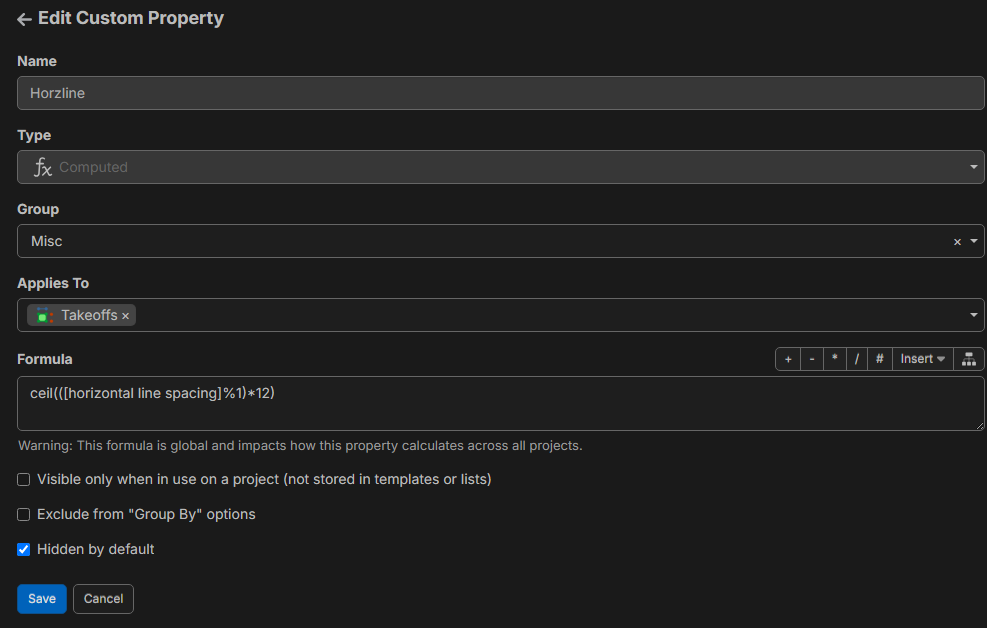
I hope this helps but I get if it overwhelming.
and FT would be floor([horizontal line spacing]) same for vertical FT

out of curiousity, what does the %1 operator do? I understand the ceil function, but I have not seen the % before.
This means:
- [horizontal line spacing] % 1 → Take the fractional part of the value (modulo 1).
- Example: 5.75 % 1 = 0.75
- Multiply by 12 → Scale the fractional part.
- Example: 0.75 * 12 = 9
- ceil(...) → Round up to the nearest integer.
- Example: ceil(9) = 9
AI explains it better.

You can also do "[Horizontal Line Spacing:dimension]" and that will output the dimension formatted. You can also use the ".in" to get the inches entered, and ".ft" to get the feet entered (note this does not total the inches/feet; it just shows what was entered for that column).
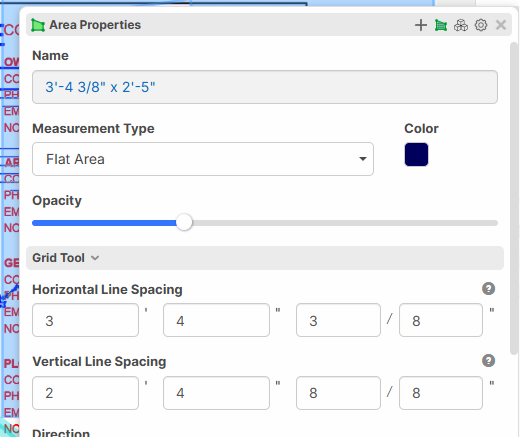
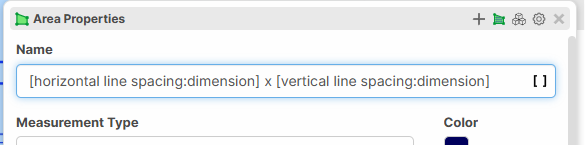
Ok yeah both of these work.
In my case, I think I won't be using it for fractions of an inch. so I can make the formula variable = [Horizontal Line Spacing] *12 . This will keep it as an inch number which I prefer.
Good to know about the :dimension and .ft .in though.
Nice work, Thanks guys!
🚀2👍2