










 Q & A
Q & A%22%2F%3E%3Ctext%20x%3D%2232%22%20y%3D%2233%22%20text-anchor%3D%22middle%22%20dominant-baseline%3D%22central%22%20font-family%3D%22Arial%2C%20sans-serif%22%20font-size%3D%2226%22%20font-weight%3D%22600%22%20fill%3D%22%23fff%22%3ESC%3C%2Ftext%3E%3C%2Fsvg%3E "Samuel C.")
Grouping Takeoffs by Section Properties?
I use Section Properties to assign takeoff quantities to specific buildings, phases, or locations.
Is there any way to group my takeoff sidebar by those properties to see takeoffs per buildings, phases, etc?

Hey Samuel, not yet, but it would be pretty cool! For now, you could utilize the worksheet at the bottom of the takeoff page.
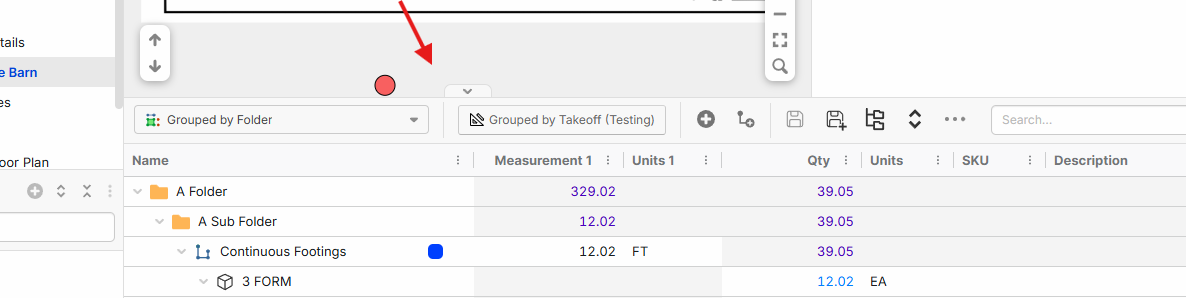

@ Lorin,
What would be cool if you view the left panel by section for a starting spot. Obviously what we want is this that I posted before that is a way better setup like the "OST Area" feature outlined below:
The Section breakouts are getting close. The MVP thats missing is need to see it visually!
Here is a 3min vid overview on how this works in zzTO and also ideas to make it meet MVP! LINK
OST Screenshot of how areas work outlined in the vid.
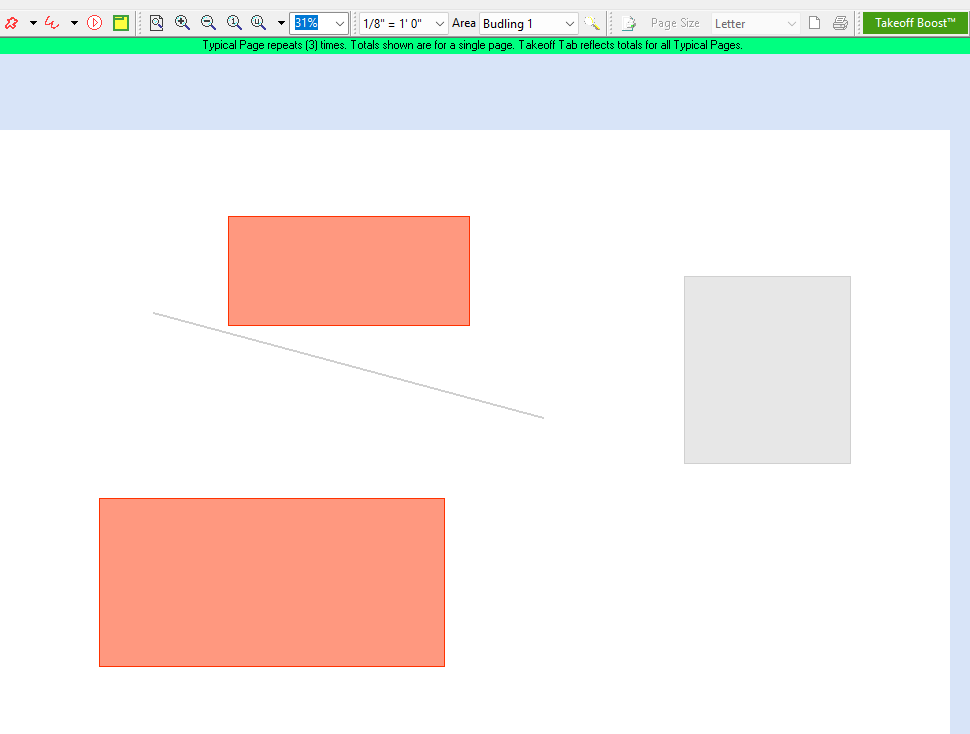
Thanks for the feedback and video @Kyle. We're looking into ways to display the breakout visually.
👍2Another idea is to draw a "box" around all the stuff you want a breakout for......this is like a super mario magical box, as it would apply to all layers and breakout all the quantities without breaking the lines/areas. This is how the "zone" feature in OST worked. Typically we only need to deal with one special breakout property.
👍1
I have 05 bldgs that I named in the section properties. I did that as I need breakouts for each, and was hoping I could pull a report........ I'll wait patiently.
Hey Justin, you should be able to pull a report right now based on the WBS of your section properties - this limitation is specific to the takeoff sidebar.
Here is a video that Todd made about the section properties and reports.
Well, I'll be...... Thanks @Lorin. I couldn't find the Section Name in the columns. I needed to add that to my custom properties. It works now.
🚀1