










 Q & A
Q & ACount Sections?
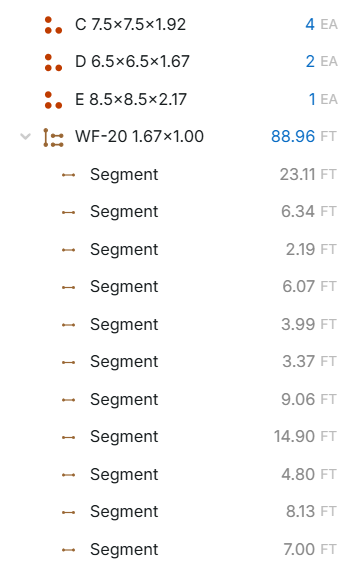
It just dawned on me that there isn't a way to expand count takeoffs on the left pages pane to zoom into each individual count section the way you can with linear, segment, and area takeoffs, and was wondering why
%22%2F%3E%3Ctext%20x%3D%2232%22%20y%3D%2233%22%20text-anchor%3D%22middle%22%20dominant-baseline%3D%22central%22%20font-family%3D%22Arial%2C%20sans-serif%22%20font-size%3D%2226%22%20font-weight%3D%22600%22%20fill%3D%22%23fff%22%3EDM%3C%2Ftext%3E%3C%2Fsvg%3E "David Mehan")
in this view, there would be no additional information. It would just list the product and have a 1 by each, where segments show you the length.
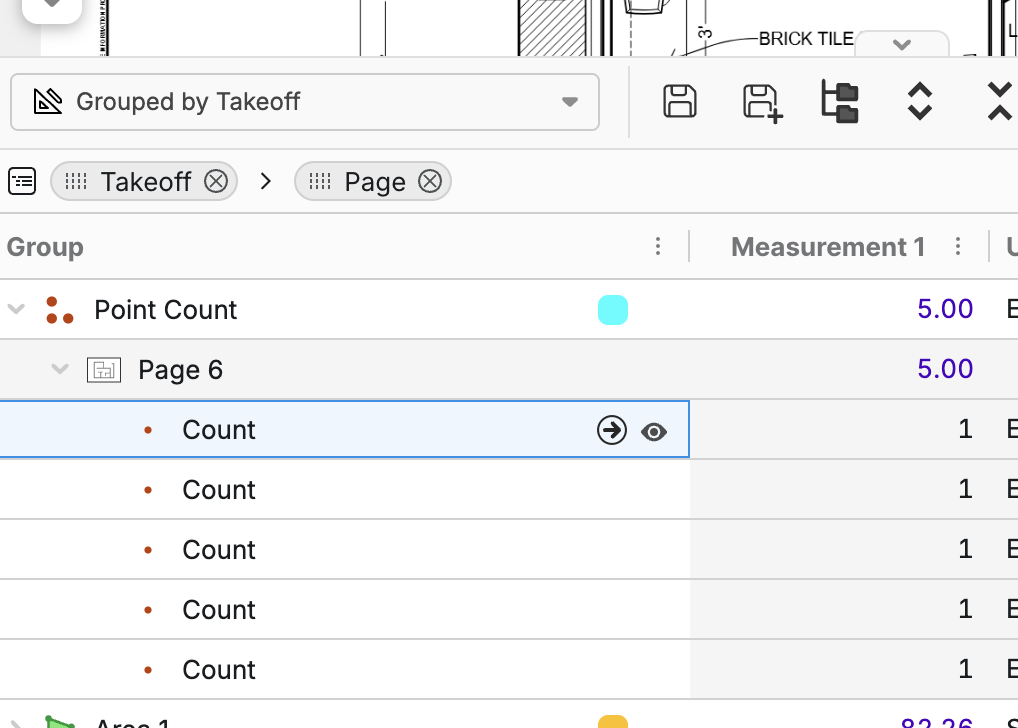
But it will separate it if you group by takeoff or page and show you where you got them.
%22%2F%3E%3Ctext%20x%3D%2232%22%20y%3D%2233%22%20text-anchor%3D%22middle%22%20dominant-baseline%3D%22central%22%20font-family%3D%22Arial%2C%20sans-serif%22%20font-size%3D%2226%22%20font-weight%3D%22600%22%20fill%3D%22%23fff%22%3EJ%3C%2Ftext%3E%3C%2Fsvg%3E "Jes")
I just tried changing the views and it made no difference. It still won't let me drill down to individual counts. I needed to check that I didn't overcount something
By the way, I was not talking about segments. I was illustrating how the segment takeoff can be expanded to show each section, whereas the counts cannot.

Hey Jes! This was mainly done because there can be hundreds or thousands of point counts, and showing them would slow down the pages sidebar on each point count creation, etc. We also figured most users would not need to see the specific sections of a point count. We could potentially add an option to show them if needed. You can still access this data if you use the advanced takeoff report, grouped by takeoff. In there, you should be able to go to specific point counts using the worksheet at the bottom of the page.
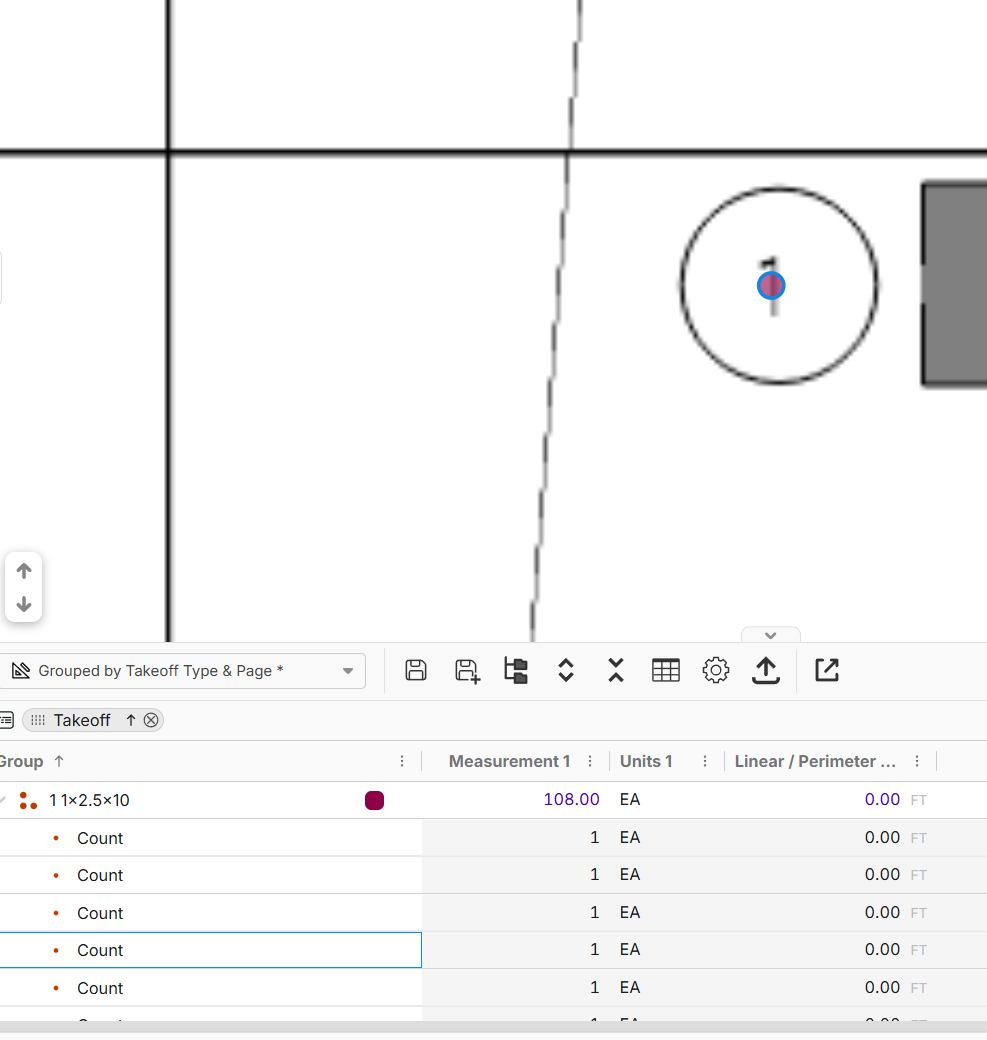
is there a way to cycle thru these count items without using the mouse?
Hey @David! Currently no, but I will mention it to the team. (I also replied in your feature request)