











%22%2F%3E%3Ctext%20x%3D%2232%22%20y%3D%2233%22%20text-anchor%3D%22middle%22%20dominant-baseline%3D%22central%22%20font-family%3D%22Arial%2C%20sans-serif%22%20font-size%3D%2226%22%20font-weight%3D%22600%22%20fill%3D%22%23fff%22%3EJR%3C%2Ftext%3E%3C%2Fsvg%3E "Julio Raymundo")
1h 33m
Contrast color when selecting items
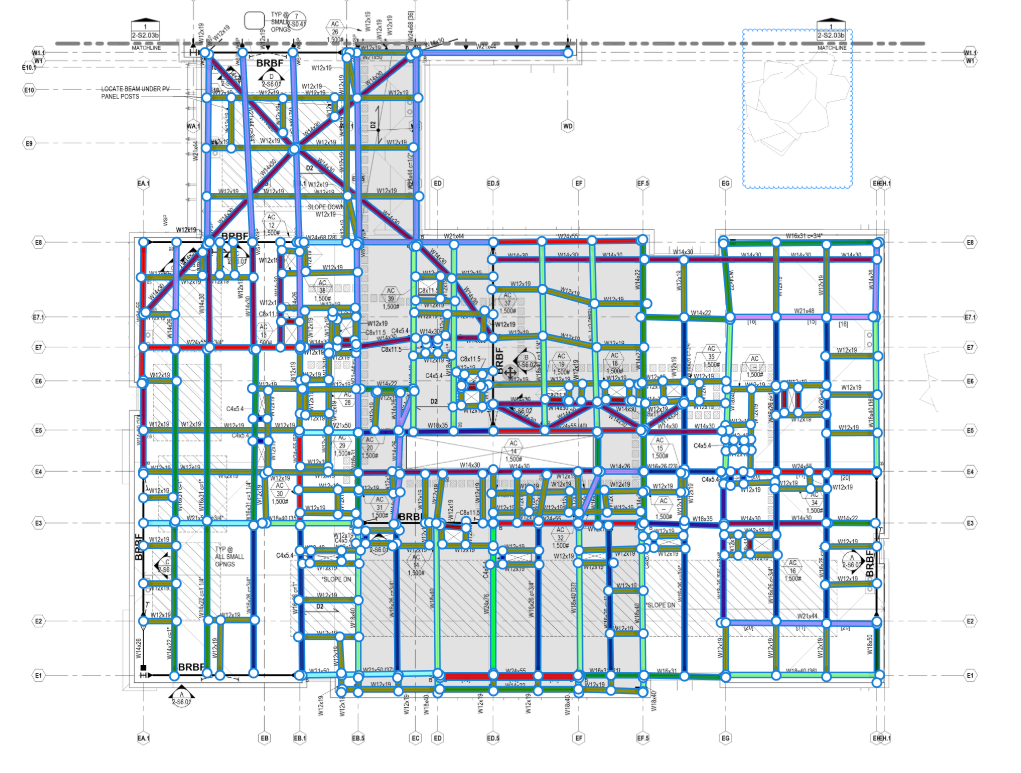
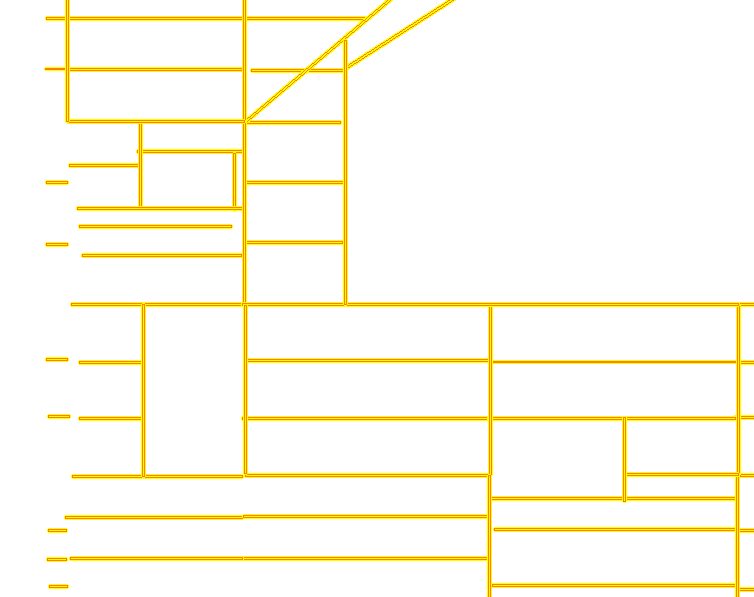
Not sure if anyone using this trick, but in a heavy takeoff page, like taking off steel beams (shown below) - OST selected items show up as a bright yellow, which really helps when I zoom out to identify any black lines that I could have missed. See below for the OST example. Can this be done in ZZ?

Lorin Allred zzTakeoff4m 53s
Hey Julio! We don't have the ability to customize the selection color yet, but I will mention it to the team. 🙂
Side note: Is the image layer disabled in your OST screenshot, and is that another feature you use to check for missed beams?
You must be logged in to post replies. If you don't have an account you can signup here.