










 Q & A
Q & ACircular Reference
I am trying to created a manually summed takeoff, which sums takeoffs from child takeoffs, and then use that summed value as the input for an item value.
I am getting a circular reference error though.
Volume has: sum('volume')/27 Which works so long as there is no item that is a direct child
I created a custom property function which equals (Volume:cy) named [Volume Sum] trying to break the circular reference, but this isn't working either.
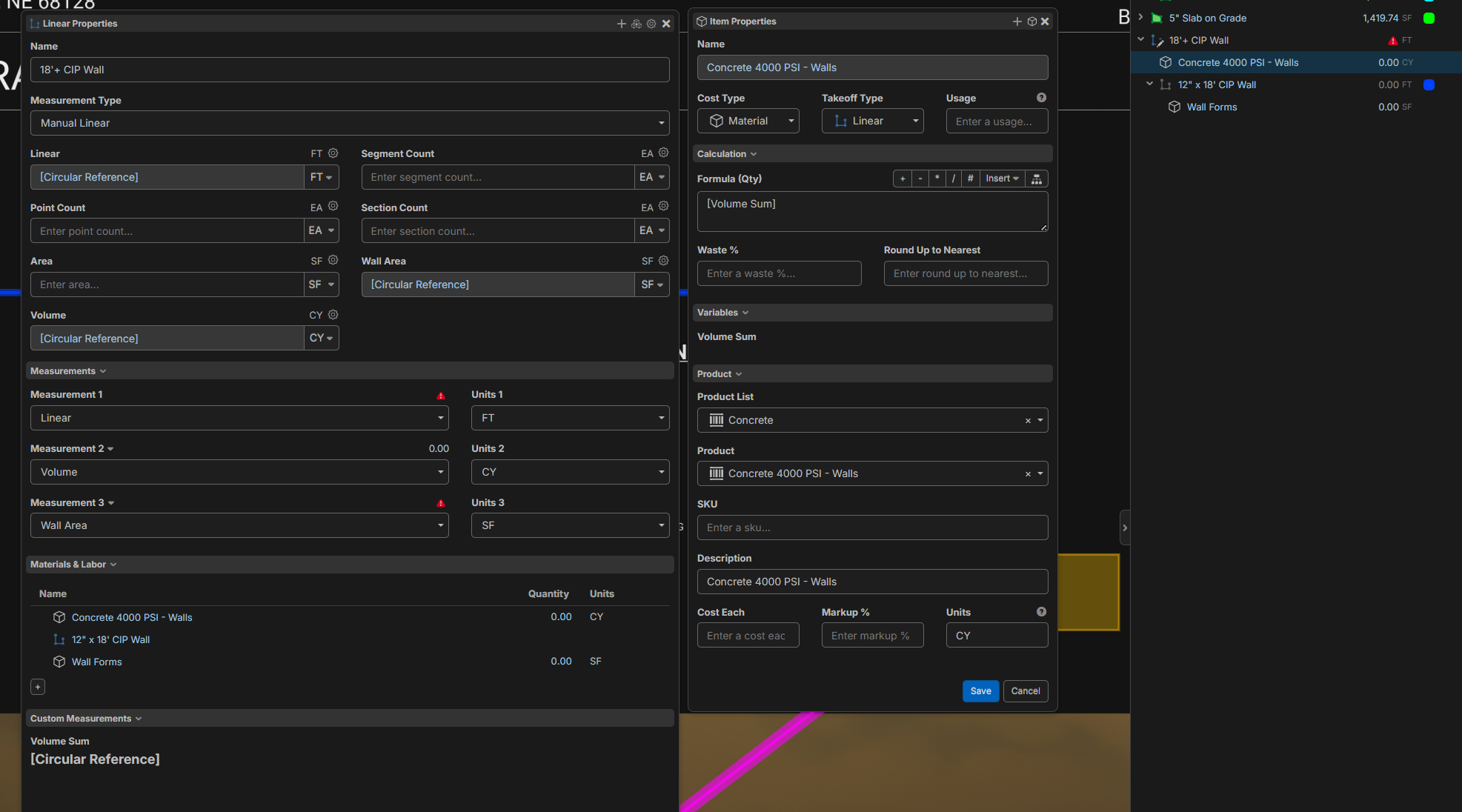

Hey David, this one is interesting. I think this issue is happening because of the auto-inheritance we have with the takeoffs down to the items. Essentially, if you try to sum from the takeoff while you have items underneath, and those items don't have the custom property, it tries to sum itself. I believe that's what's happening for the Linear, Wall Area, and Volume in your screenshot. If Volume Sum is based on Linear, Wall Area, or Volume, that's why it is also a circular reference, even though the property exists at both the takeoff and item level.

Is there any way to break the circular error? Either an item that doesn't inherit or an "other" type item that doesn't auto inherit?
You could potentially filter the sum function to type "linear" (note this is case sensitive, lower case for now).
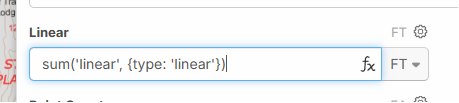
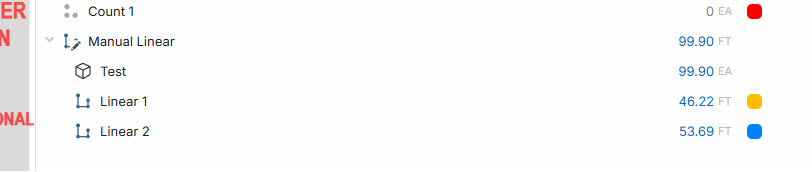
Ok, yeah that worked for the 'linear'. I tried the same for the 'volume' and 'wall area' but those are returning zeros instead of 29.88 and 806.81
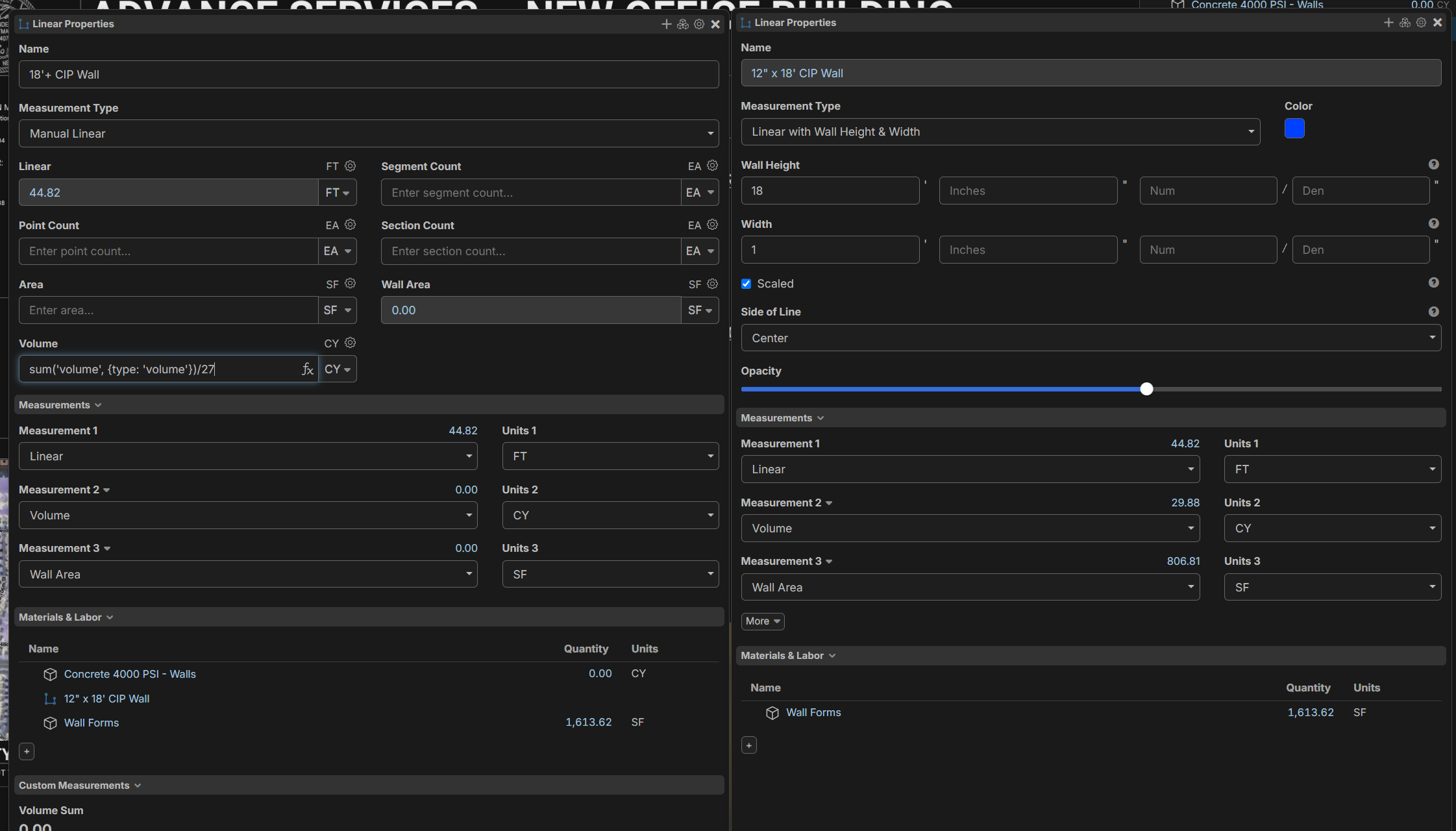
Ah.. I should have clarified. For the second parameter for the sum function, you can pass in a filter to either type or kind. The type is based on the takeoff type that you want to filter to, which can be "area", "linear", "segment", or "count". The kind can be "folder", 'assembly", or "item".
So your volume formula would be "sum('volume', {type: 'linear'})" and your wall area would be "sum('wall area', {type: 'linear'})"
ok yes! thank you, that works perfectly.
Can the filter do two types at once? like {type: 'linear' or 'point'} ?
Glad that worked! Currently, we only filter to 1 type, so in this example, your formula would be "sum('linear', {type: 'linear'}) + sum('linear', {type: 'count'})"
Maybe I will make a new post, but I keep thinking what would be awesome is if the sum function could work on all children based on tags.
For example, if it could iterate through all child, and grand child, great grand child, etc. And sum based on a tag filter.
sum('linear', {tag: 'footing'}) This would open it up to summing further down the hierarchy as well as give the user control over what is being summed.
If this was a feature, there could be an Item under the parent, that iterates through all the child measurements. So, in the footing example, multiple footing sizes could be manually summed up in terms of volume, AND if those footing types have child features that want to be captured and summed as well they could be.
👍1