










 Q & A
Q & A
BACK BUTTON
When the AI highlights the details to go directly to them, and you click it, is there a way to go back or can you create a back button to accomodate?

Hi Tanner. If you use the "Back" button of the browser it should take you back to the same spot you were before clicking the hyperlink. We just felt it was redundant to build our own back button vs the browser built in back button.

@tanner,
You HAVE to get a mouse that has the 2 little buttons near your thumb. they go back and forward too. Your missing out on life if you dont have those buttons.
🚀1
@kyle i reprogrammed those buttons to perform copy and paste. As much as the default would be handy too, this custom setting has saved me so much time i think I like it better this way.
🤔2🤯1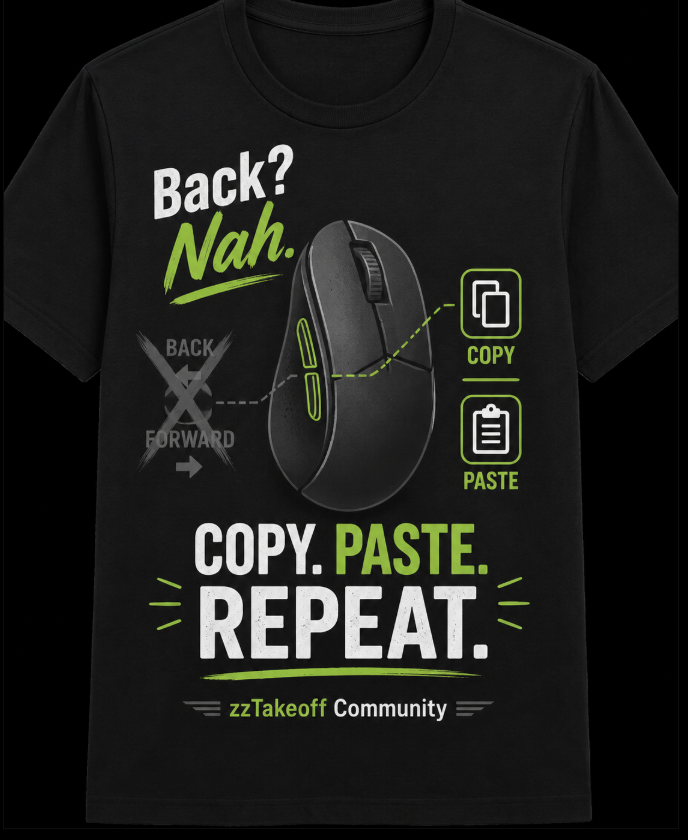

I've been living under a rock!!
I just changed the settings.
now the thumb wheel (i never use) is back and forward and the two thumb buttons are copy/ paste!!
10 mins of practice and already a game changer!
Thanks for the tip
🚀2
Spacebar was the best for new section!
Gave it a very gamer vibe, thumb on Space and middle finger on ESC. super fast while keeping eyes on the screen
👍2