










 Feature Requests
Material Templates
I have a template that I use for Traffic Signs, just realized today that materials don't show up in the quick search. The reason I have them as materials is so I can add them to count takeoffs. Could there be a checkbox that would allow child items to be shown as well? or somehow make it so each template can be set to show or hide items?
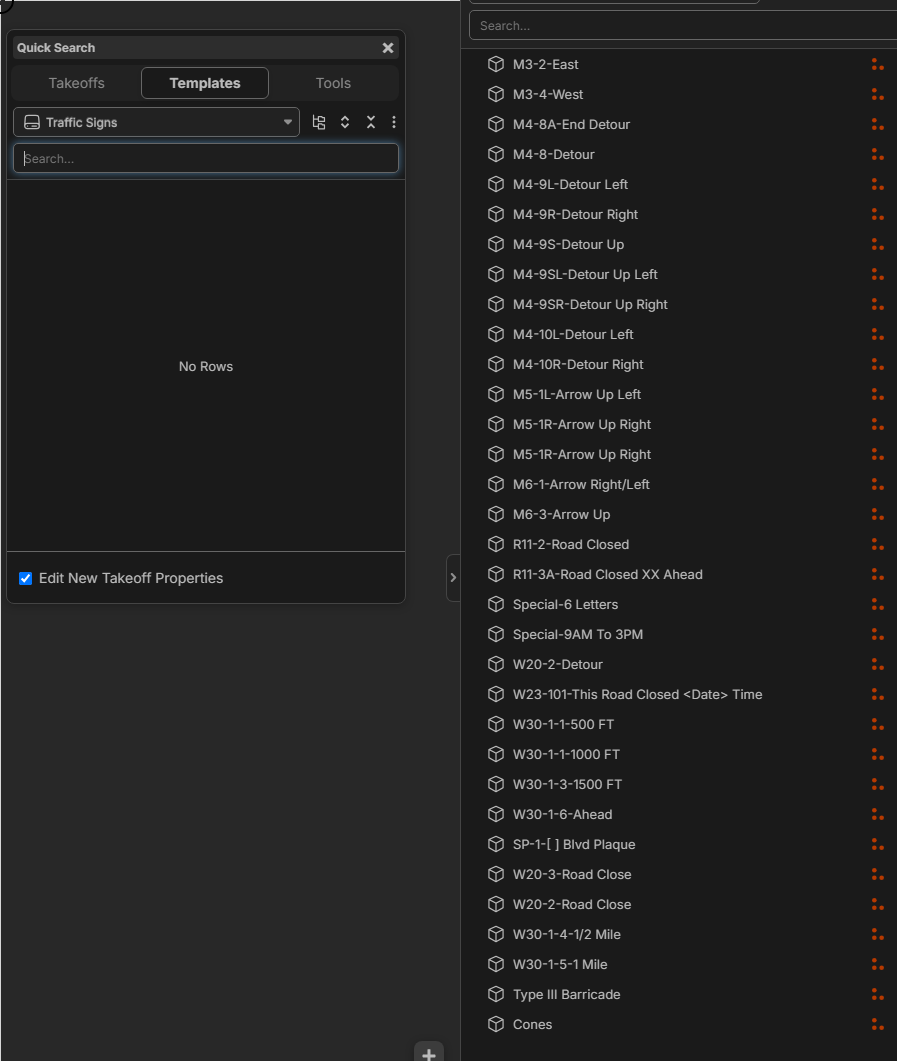

Hey Shawn, what is the intended workflow? Currently, the quick search only shows the takeoff templates because clicking one starts a takeoff. Are you trying to click and drag the items onto your takeoffs, or click and go from the templates (start a new takeoff from an item)?

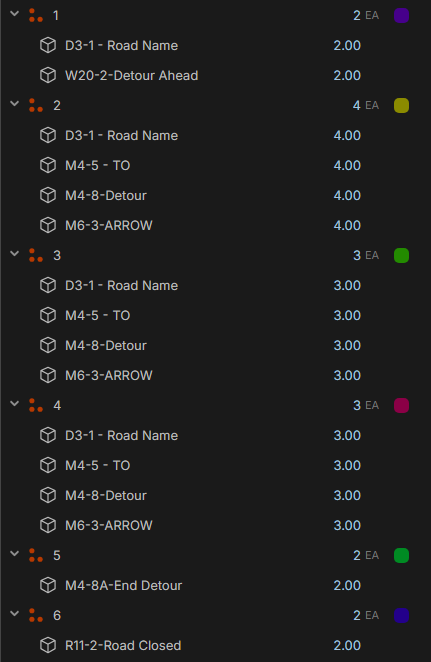
This is a typical traffic plan, they put numbers then give you a legend to what signs each number is.
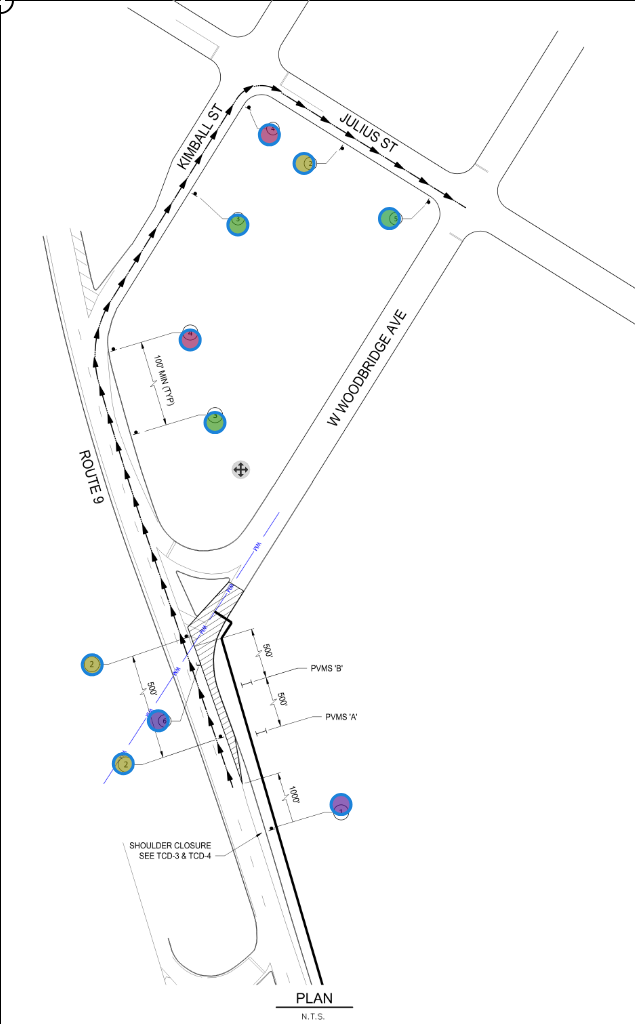
I count the numbers up then drag the sign item to each number to get total count of the signs.
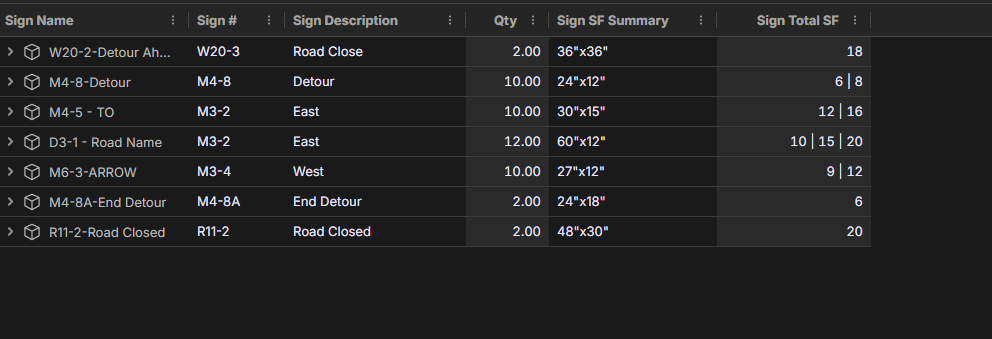
Then I made a custom report to show me the sign info. (Needs a bit of work still)
What i was going to do was open up the quick tool then drag the signs to each number but found out they don't show up. It's not a huge deal; I can drag them from the template on the right.
👍1Awesome, thanks for the detailed explanation! I'll mention this use case to the team.
👍1