Feature Requests
Increasing DPI
Hello,
Could we have an option to improve the DPI, even temporarily?
I understand that it takes more resources, etc. But sometimes, the plans are completely unreadable on zzTakeoff. I have to keep a PDF version open on a second screen to work properly.
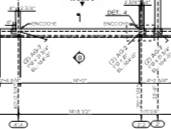
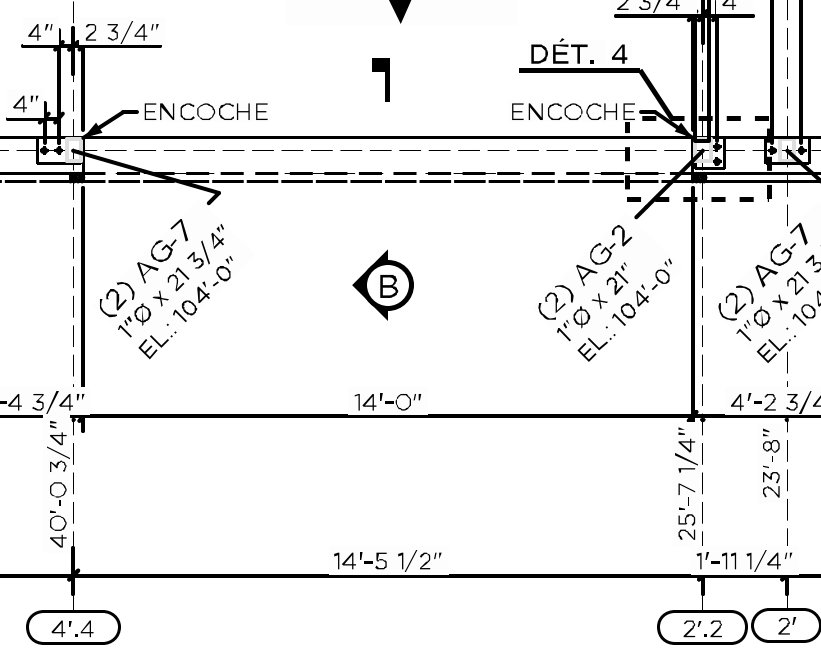
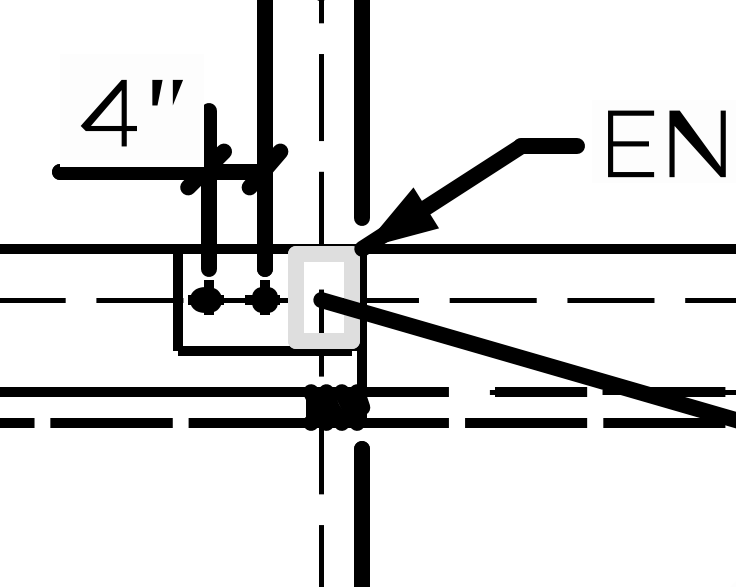
Here is an example on zzTakeoff and the original version.

Thanks you 😁

Hi Fred, Thanks for posting this request here. The dev team has told us that they will be adding options for importing at higher resolutions.
As a work around for now - you can open the original PDF in Adobe Acrobat (or similar) and print it to a PDF as a larger page size (ArchE or similar)
This will increase the page size and will make it so it has better resolution when importing into zzTakeoff.
Note: If you do this, you need to make sure to set the scale using a known dimension printed on the plans (as the pages have been re-sized and the auto-scale won't be accurate)
I'll pass your request on to the dev team as well.
👍1Hi Fred,
I just wanted to give you an update on this.
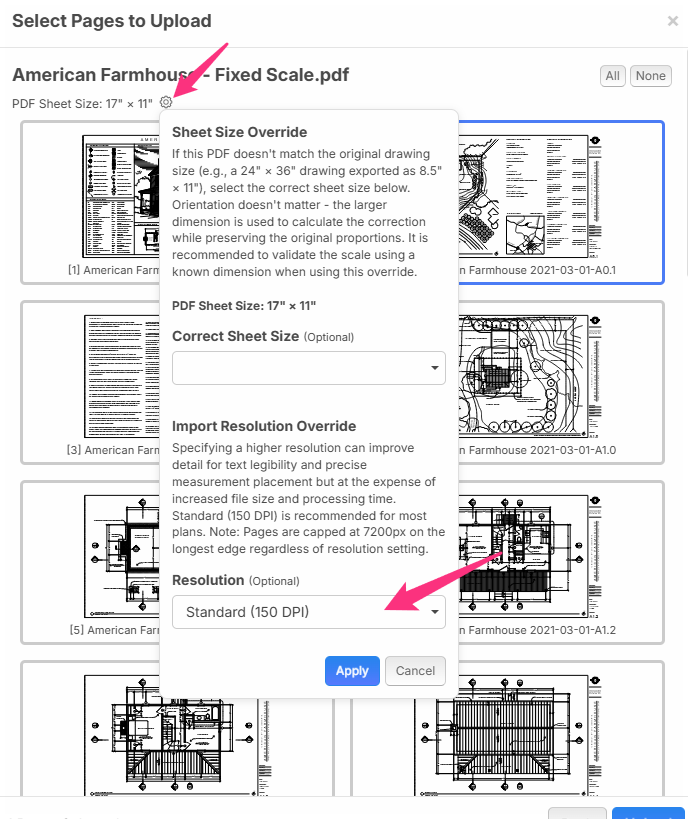
You can now adjust the DPI setting when you bring in plan pages.
Usually when the text is really blurry it's because somewhere along the way someone converted the pages to 8.5x11 sheets instead of the original size. So you can also adjust the sheet size here as well. Remember to verify your scales - because changing the sheet sizes affects that.