










 Feature Requests
Delete Items and Change Takeoff Properties for takeoffs and items in reports view
Feature request to change properties in reports views for all items, assemblies, takeoffs, etc.

Hi, depending on the report you are viewing, you can edit the fields in the rows by double clicking them. I would try the Takeoff Tree Reports and try double clicking a field (that is not auto generated) and try editing it.

Thank you Stephen!
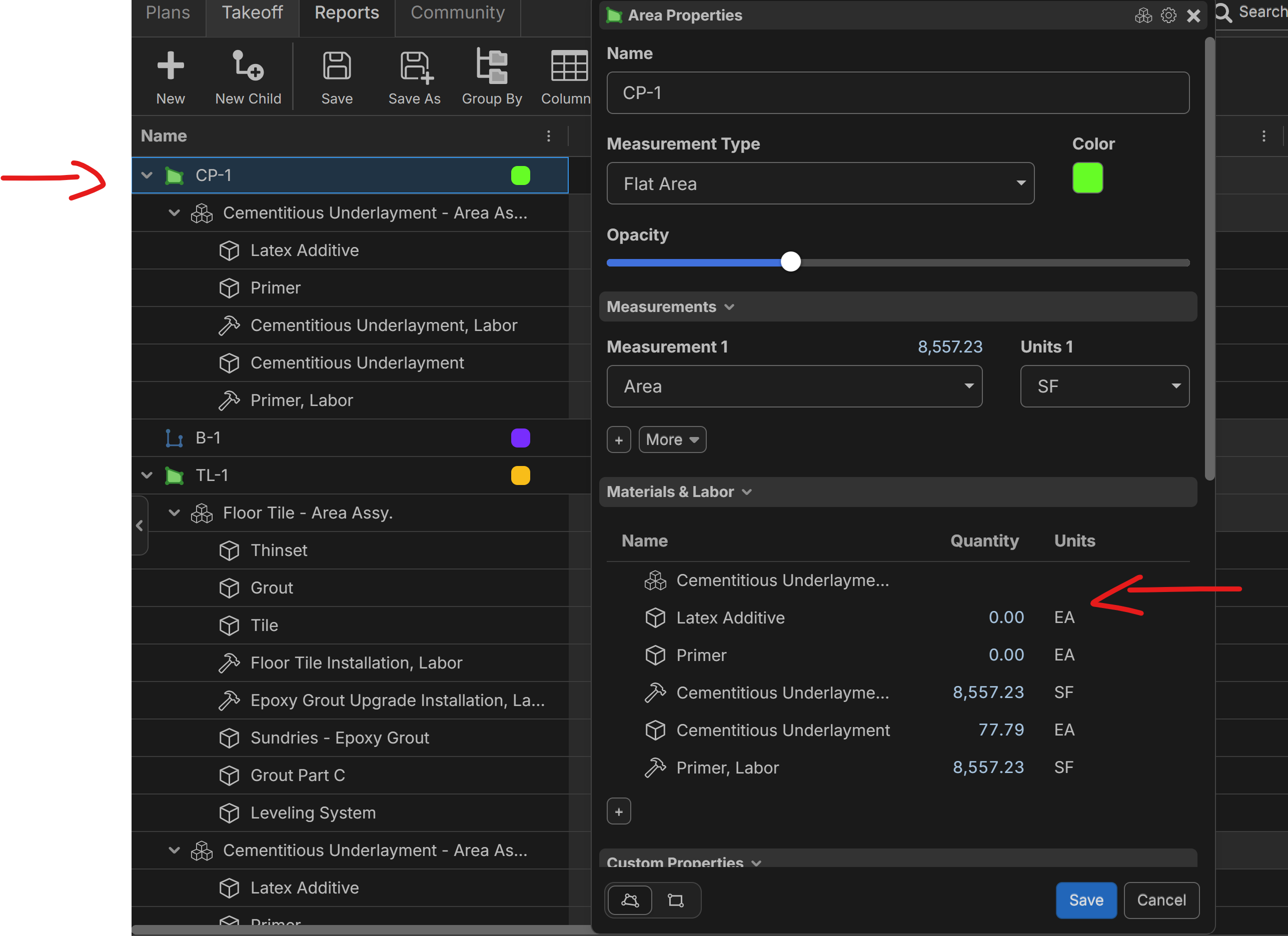
I found you can only right click the main takeoff and click on properties and from properties you go into the items themselves and update the items inside the takeoff properties. When I posted this, i was not yet aware you could do this. Now I know, but it would still be nice if you could double click on the item directly to change anything from them like you would on the takeoff tab.
Hi, a double click opens the single field editor for the selected cell (if editable). This mimics PS and Excel functionality to allow cell editing.