










 Feature Requests
Add move handles to all four corners
When I create a highlight or a note and want to resize it, there are only ever 2 move handles. It would be helpful if there was one in each corner.
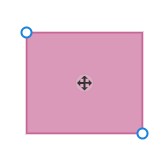

Thanks for the feature request, I have shared it with the dev team! A workaround is to hold Alt, and you can drag it from anywhere on the takeoff!

I was actually referring to resizing the shape by clicking the handles in the corner and dragging (for highlighter boxes). But thank you for the tip!
I see, thanks for clarifying, thats a great feature request!

@nicole,
you can make the move handles bigger. Go to settings, top right by the question box and it’s right there. Make the move handle sidebars bigger.
wish Stephen would make that the default to be BIG, like Mario mushroom style 🍄.
😂2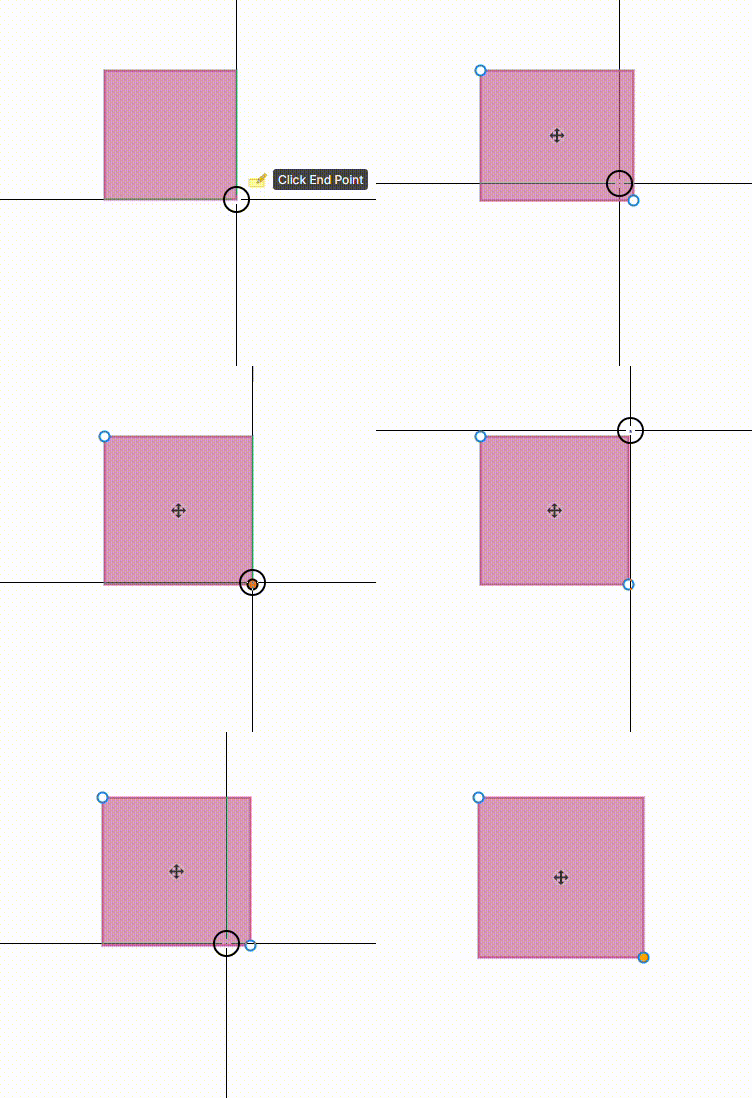
@Kyle
Thanks, but I just want to be able to resize it from all corners. Not move haha
👍1