











Expand / Collapse of page pane
Team,
When I have thumbnails selected (feature request coming to change the size of the thumbnails like Bluebeam), I can't expand/collapse the folders.
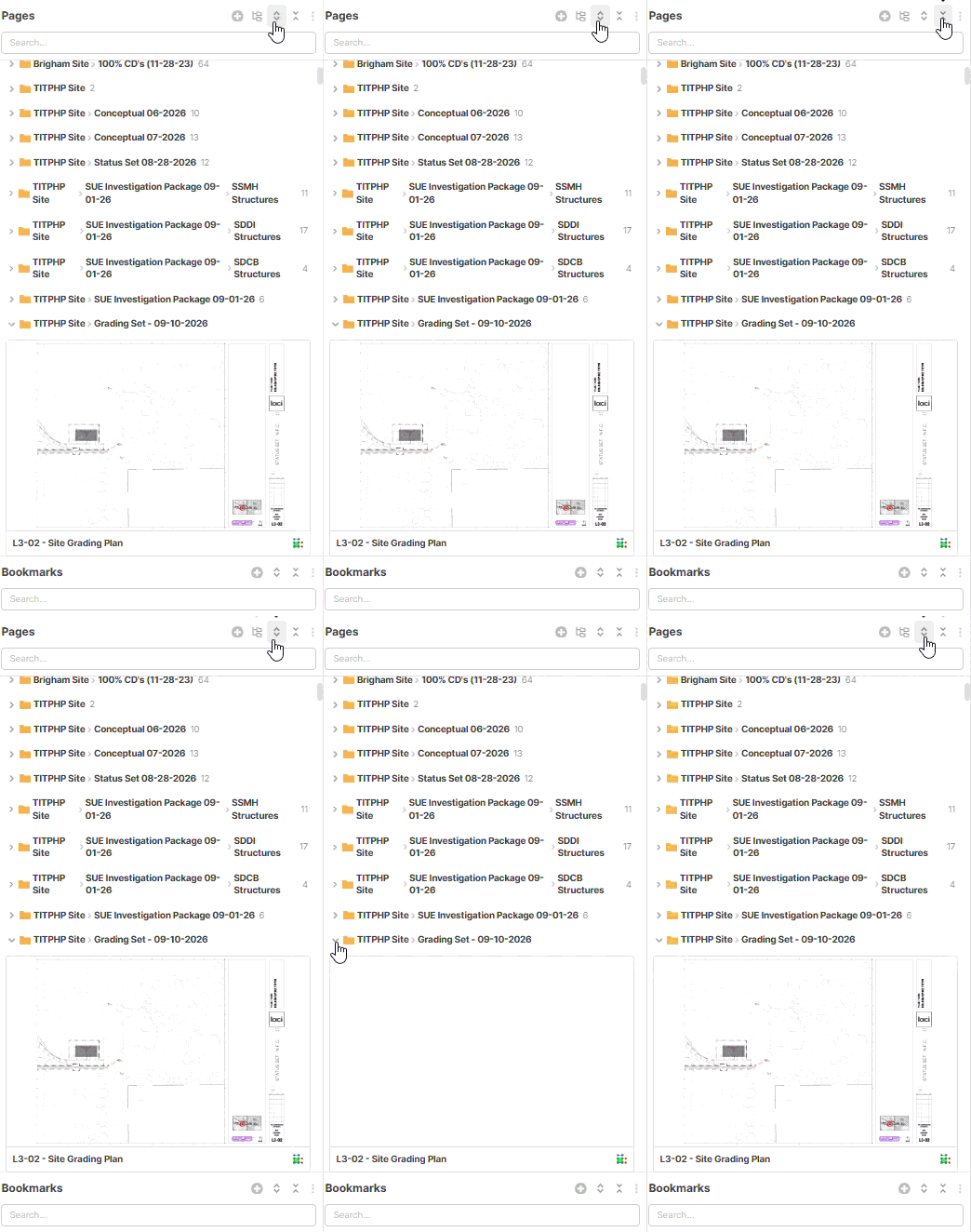


Ok, I found another random one with this..... When I have the list view, I have a parent folder. When I enable the thumbnail view that parent goes away....
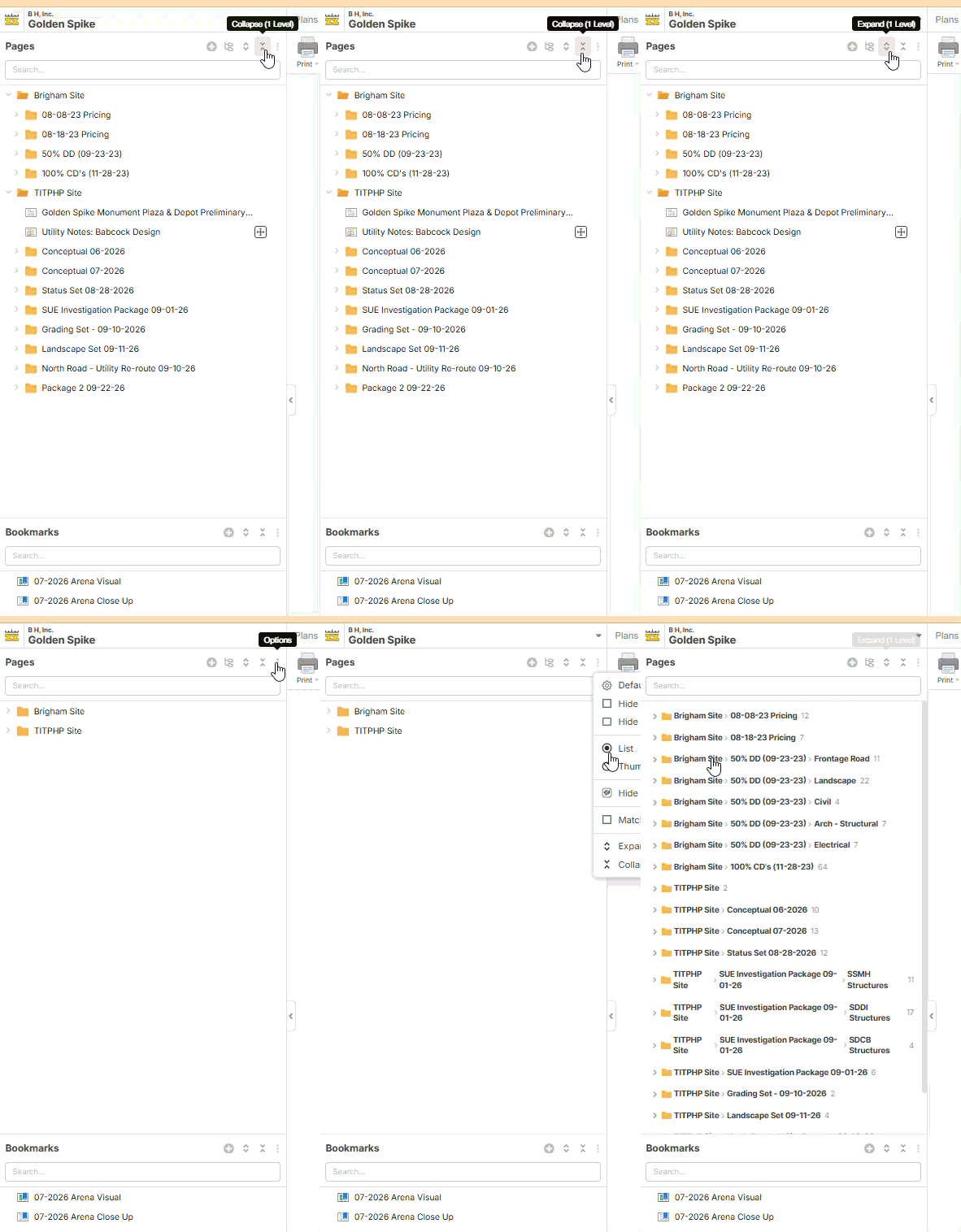
Hey Justin, what's happening here is that we are combining the file path for the pages into 1 folder in thumbnail mode. In your example, the first thumbnail folder is named "Brigham Site -> 08-08-23 pricing", which is 2 folders combined into 1. The reasoning behind that decision was to show the thumbnails without making the user drill down through their folder structure. We're open to feedback on this.
I see the logic, as I hate digging for things. That being said, maybe I "need" to dig? In this particular job, I don't want to see anything that was/is under the "Brigham Site" folder. It is only here because that is where this project started. It has subsequently moved to another site, and as you can see, I have multiple revisions that I needed to break out. I'm sure I am missing something, but Iwould like the program to mimic what I have set up in the "list" view.
Side note - The plan revision function semi-works here, but it wasn't a great solution for this particular project.
👍1